 Preview kit
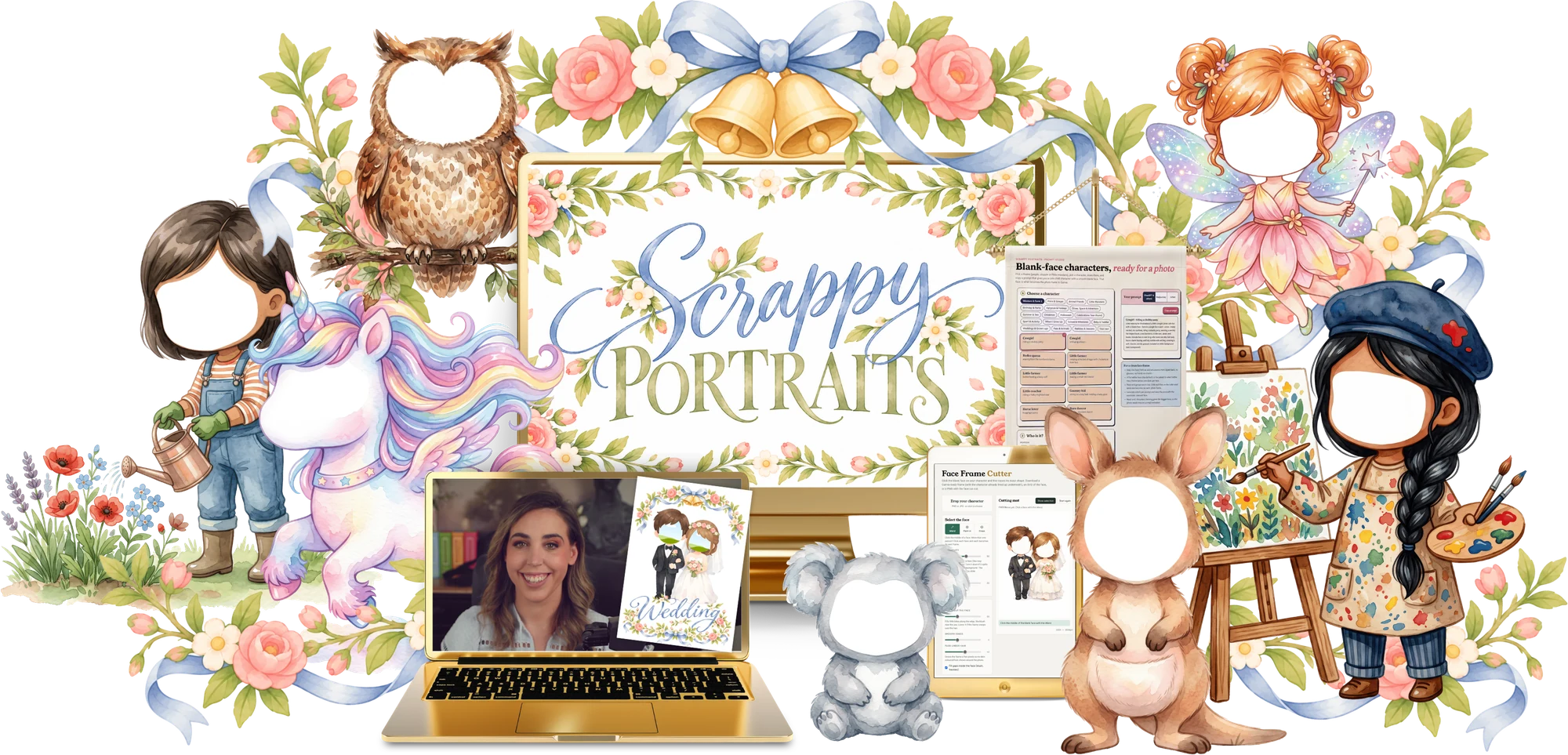
Scrappy Portraits
11 × Class replay11 × Canva template11 × Clipart pack11 × Prompt & content pack22 × Creator tools
Every week I design a real, sellable product in Canva while you follow along. Then you get the templates, clipart and prompts to make it your own and sell it.
A brand new design project every week, for $7 a month
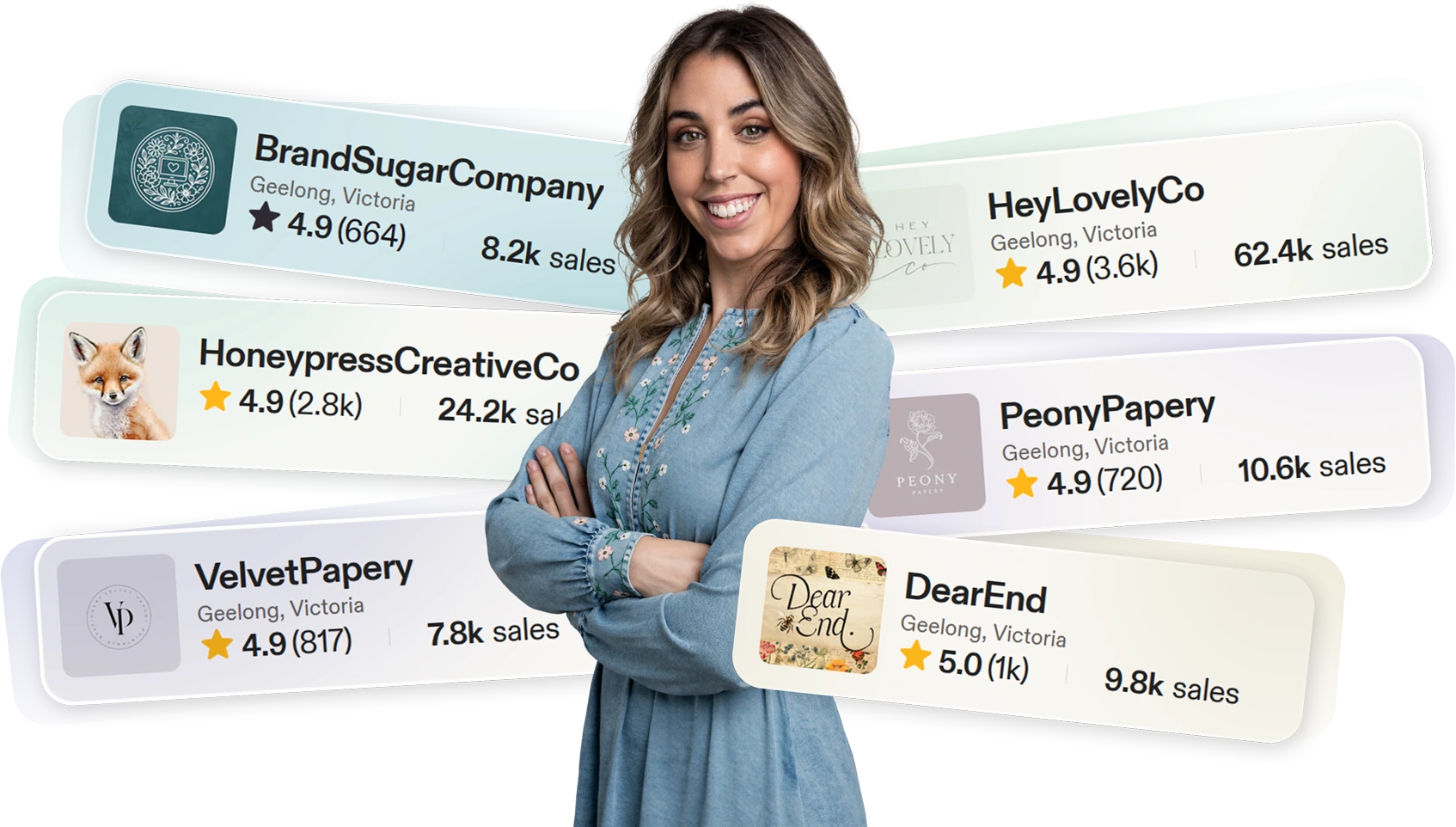
As a mum of four, time is sacred. Design does the selling for me, and every one of those products started with the exact skills you’ll learn inside.
Every product I sell starts with a design that makes people stop scrolling.
Mockups and listing photos that make a $5 file look worth $50.
Including this one. Layout and hierarchy do the convincing.
Swipeable posts that teach, sell and get saved.
Scroll-stopping creative that keeps my ad costs down.
Pretty lead magnets that grow my email list every day.
Every kit is a new flavour of design. Stick to your niche or wander into a new one. Either way, you’re building range with every bite.
A new training + resource pack, every. single. week. Plus every previous lesson.
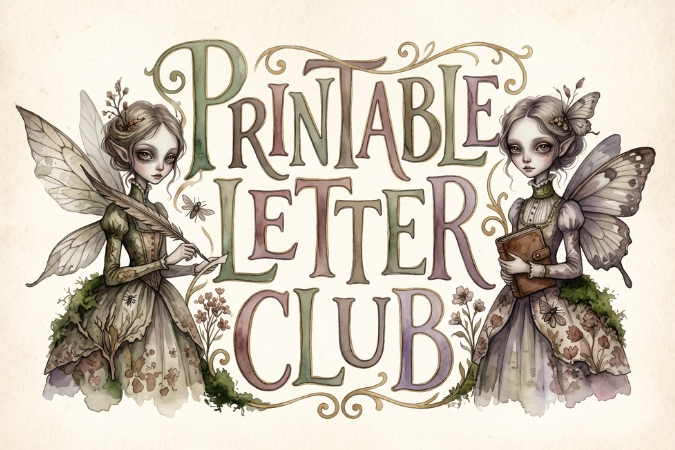
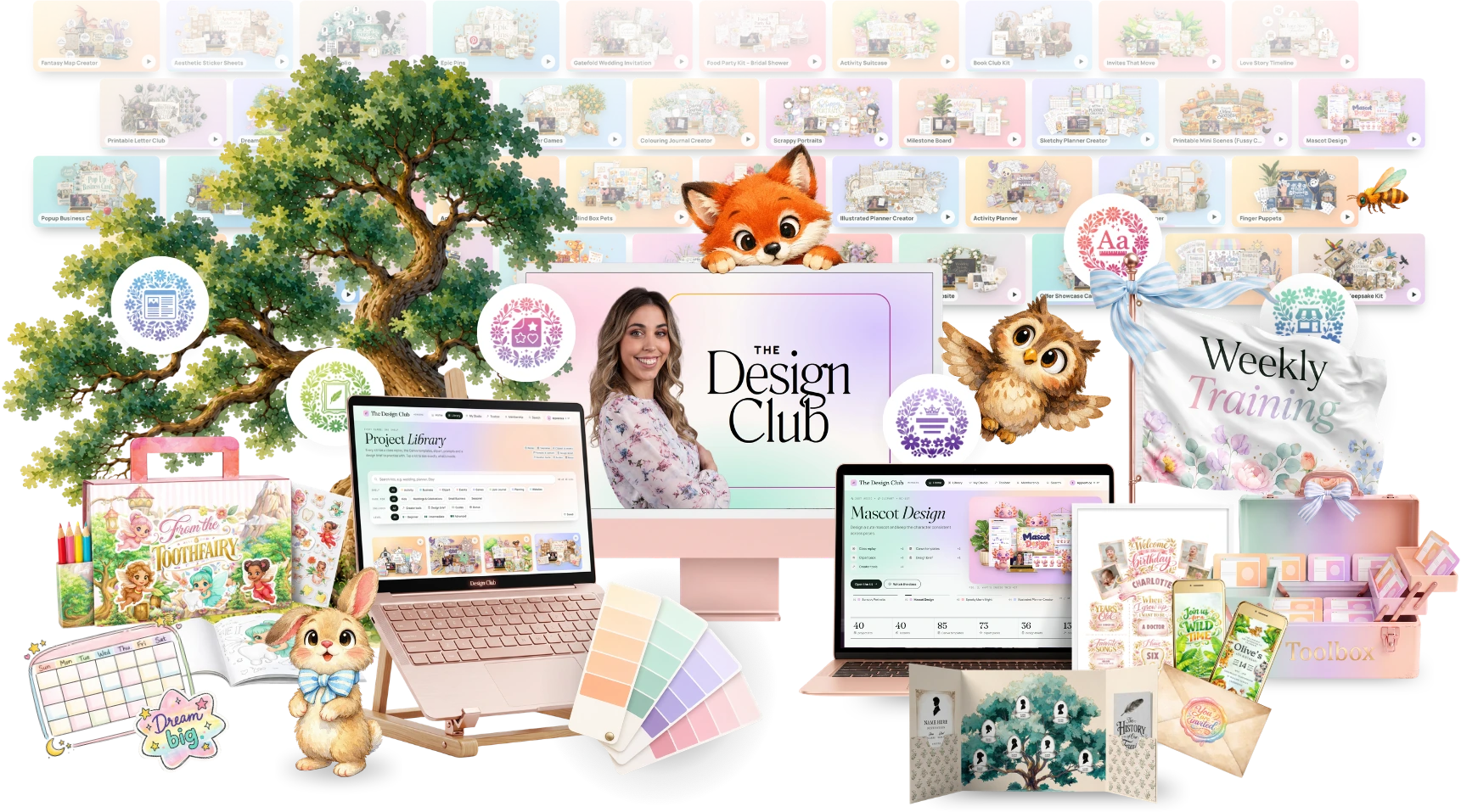
The $7 design club for Canva lovers who are ready to grow
Get instant access to an evergrowing library of tutorials, project kits and Canva templates, with a brand new kit added every single week.
Instant access to the portal and every kit
Perfect if you want to step inside, explore the space and start building your skills straight away. Cancel anytime, no lock-in.
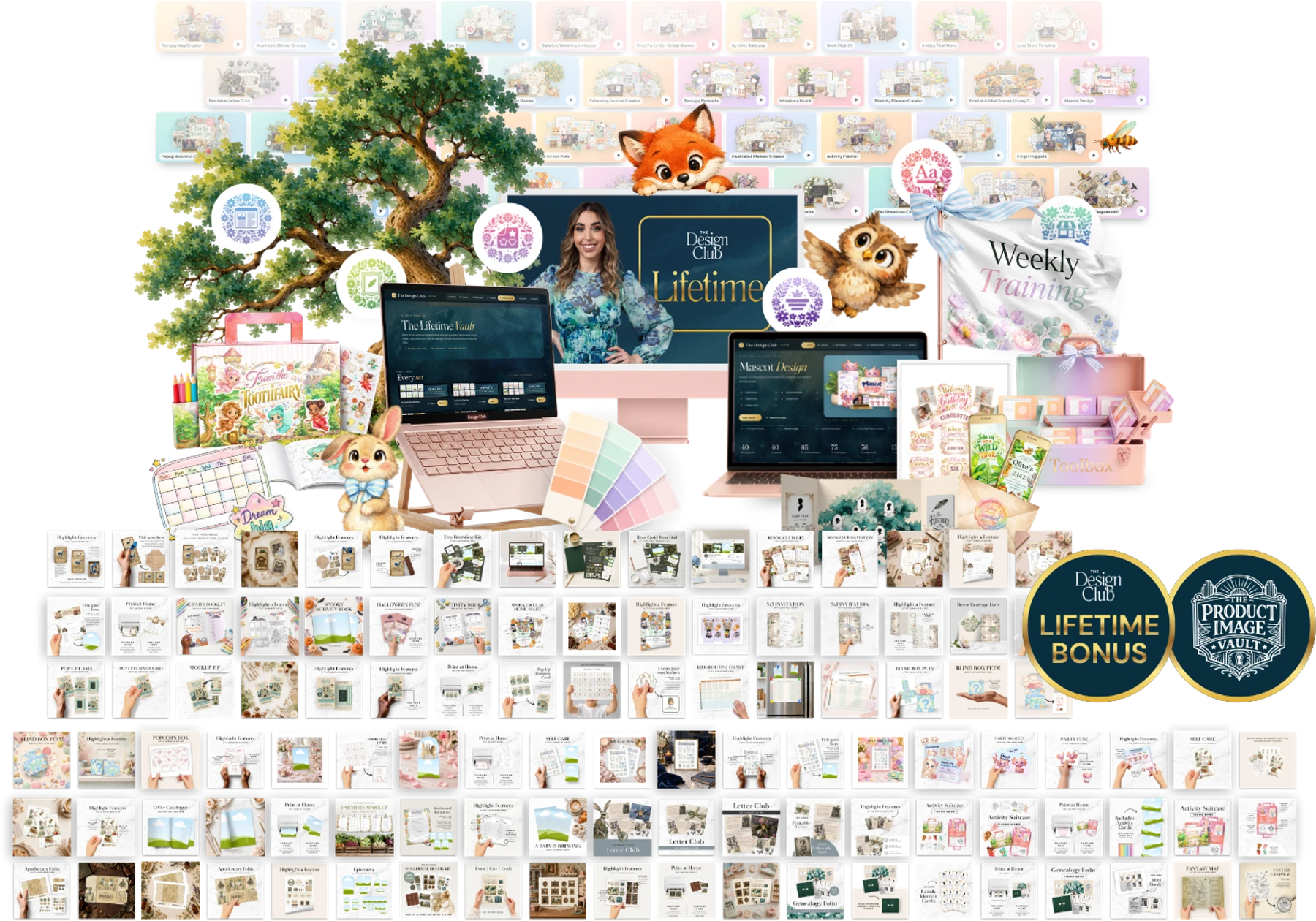
No recurring payments and no future price increases. If you know you’re committed to improving your design long term, this is the move.

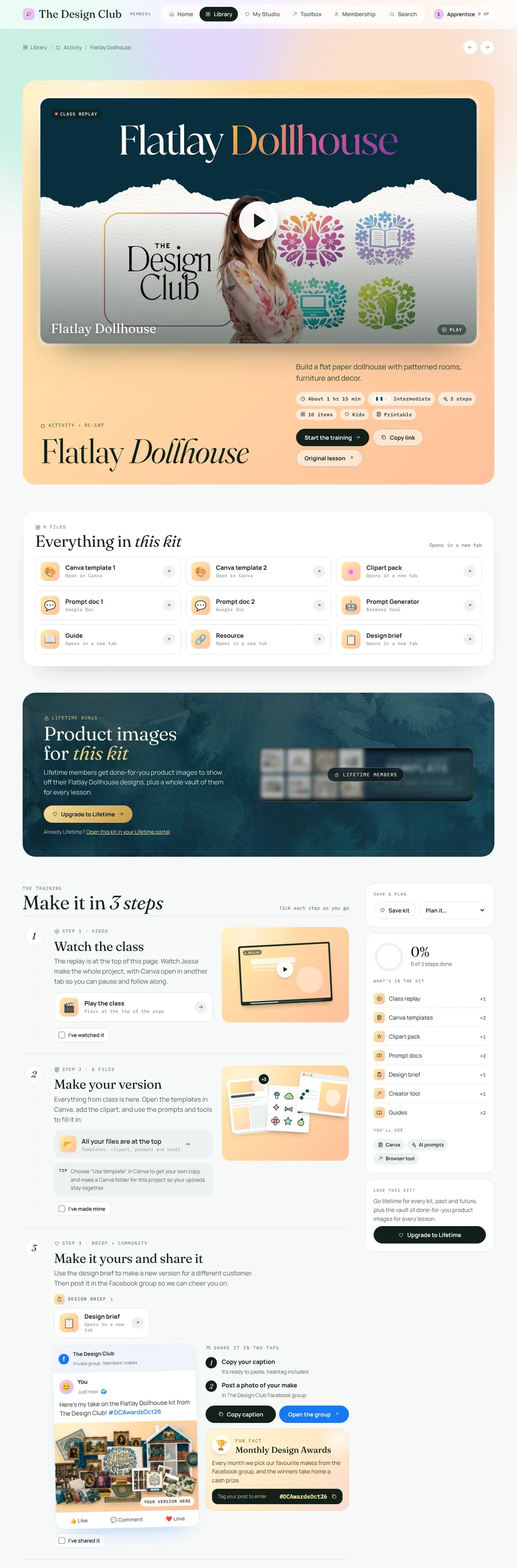
That’s a brand new kit every single week
Each kit is a workshop-style training that stretches one design skill, like typography, layout or styling for an audience. You finish with a piece you’re proud to share.
This is a real kit page from the portal. Tap a feature below and the page will jump straight to it.
Tap a niche to see what’s inside
Preview kit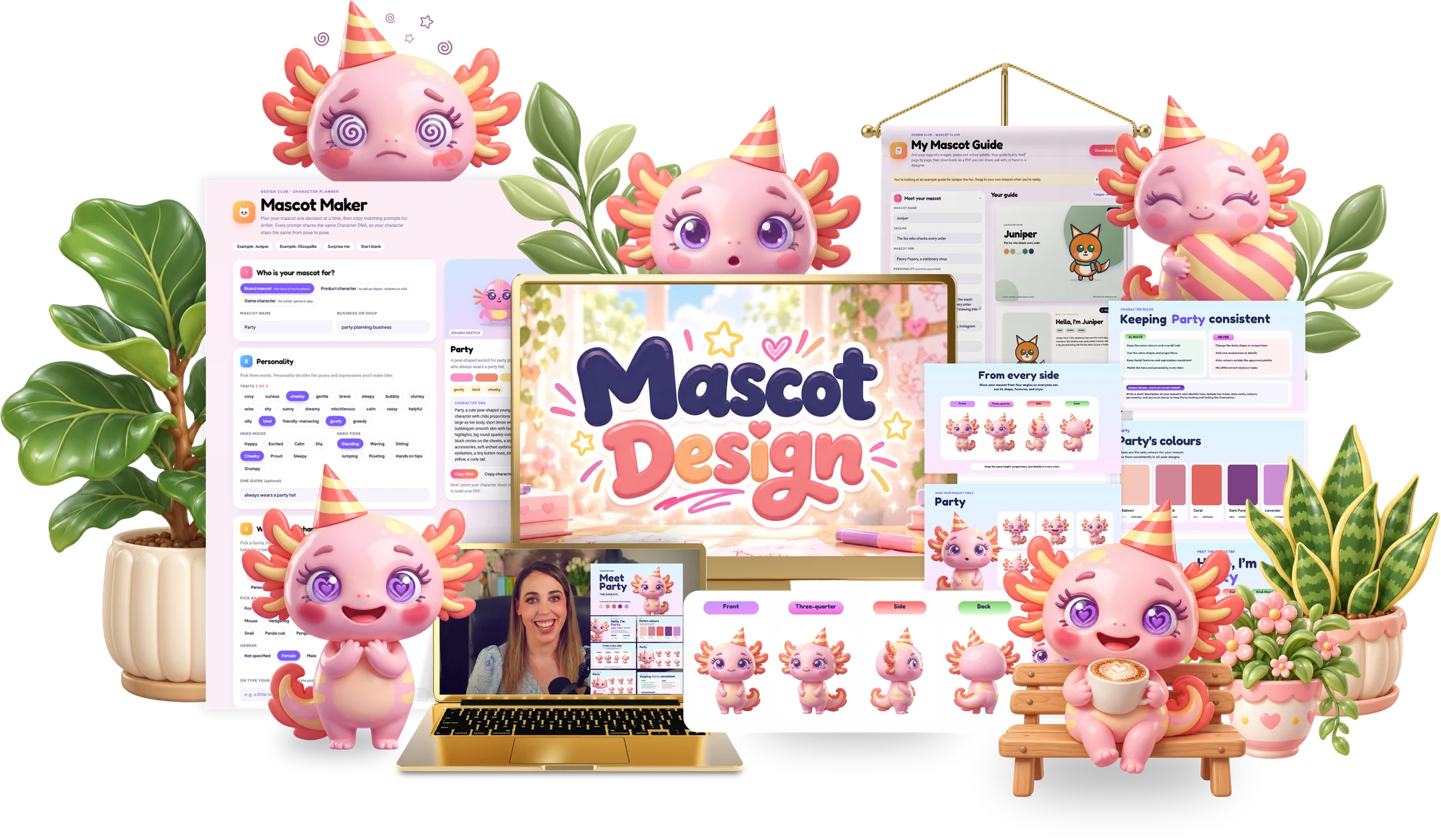 Preview kit
Design a cute mascot and keep the character consistent across poses.
 Preview kit
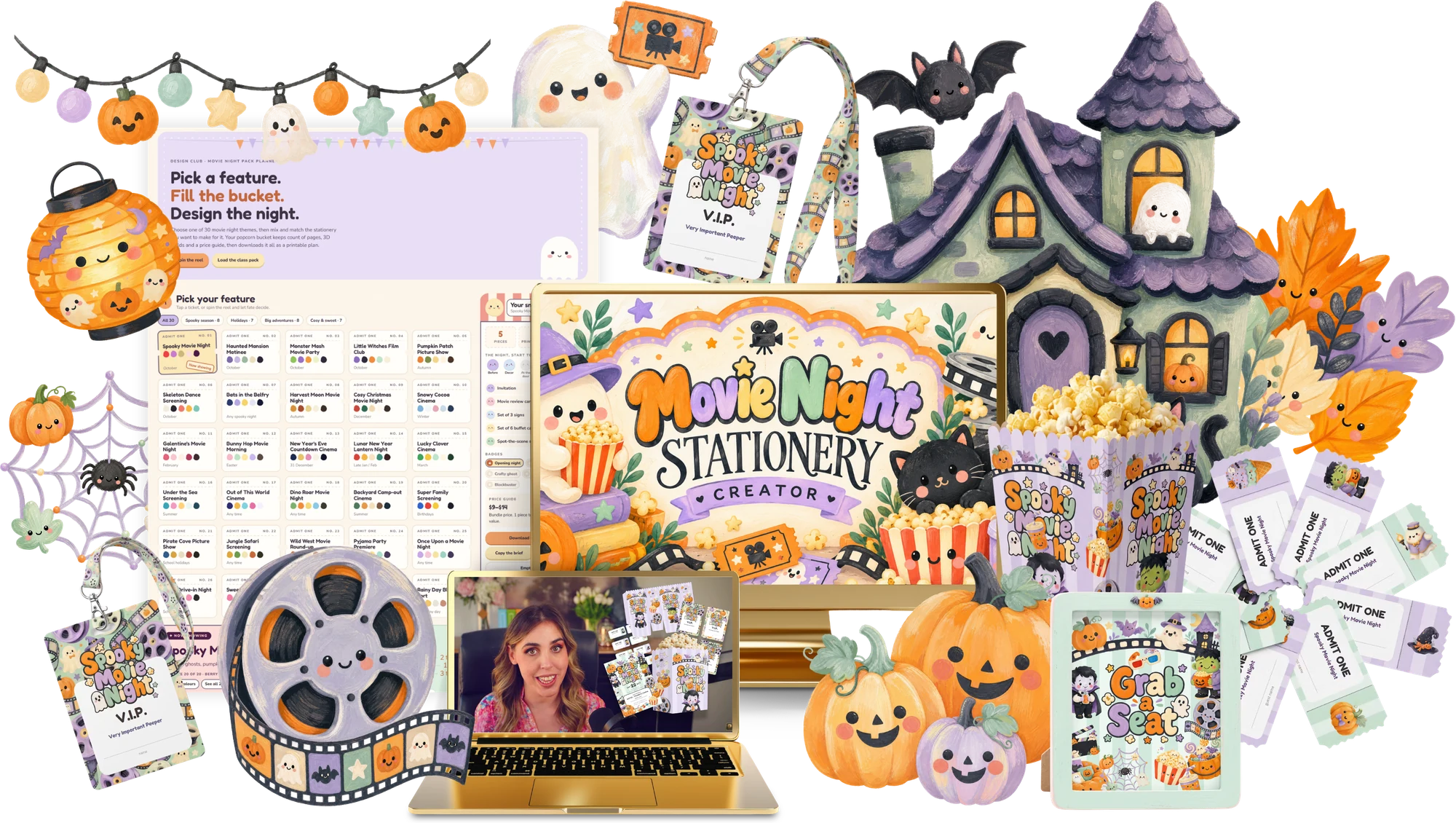
Create a spooky movie night stationery set for October get-togethers.
 Preview kit
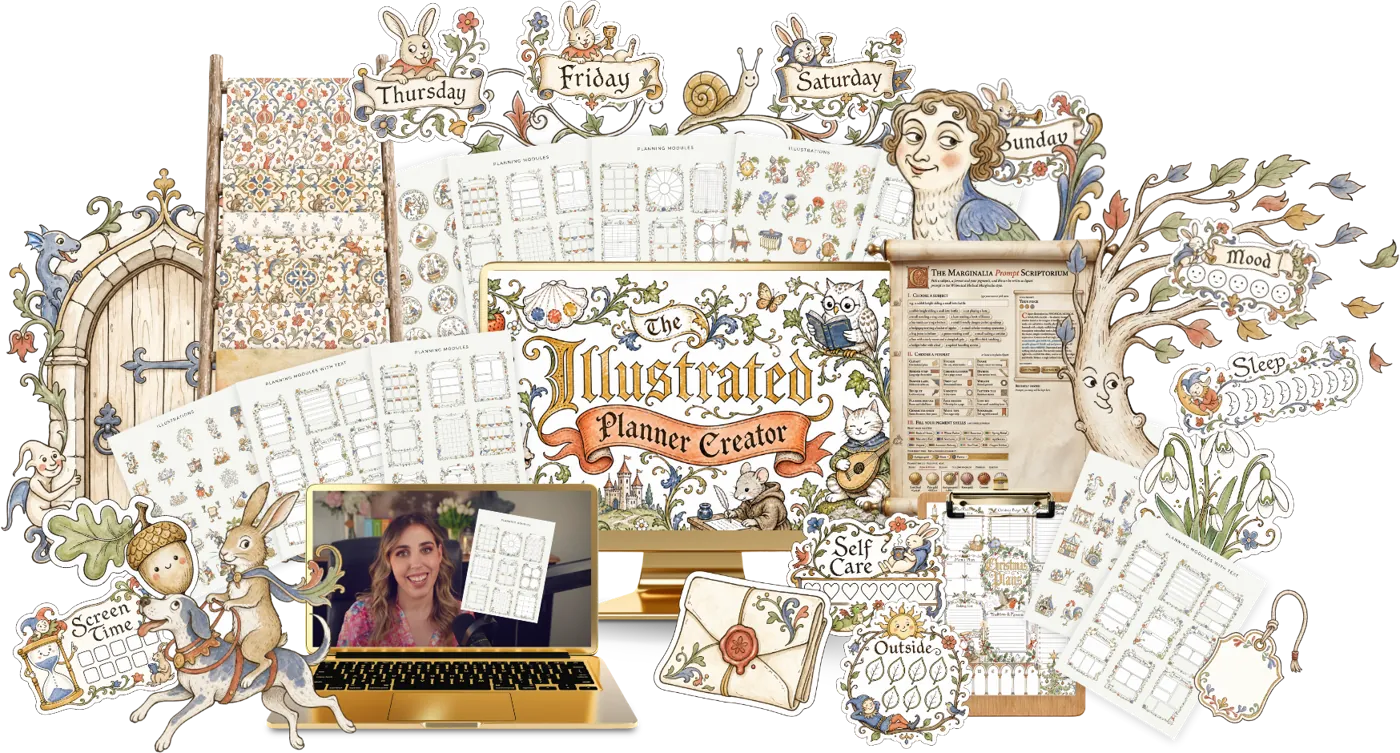
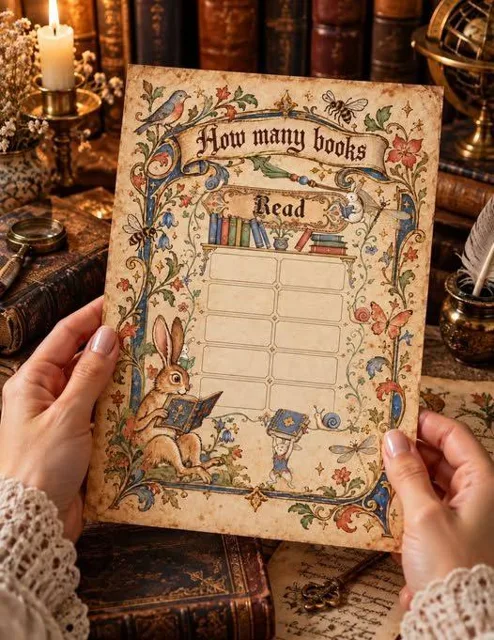
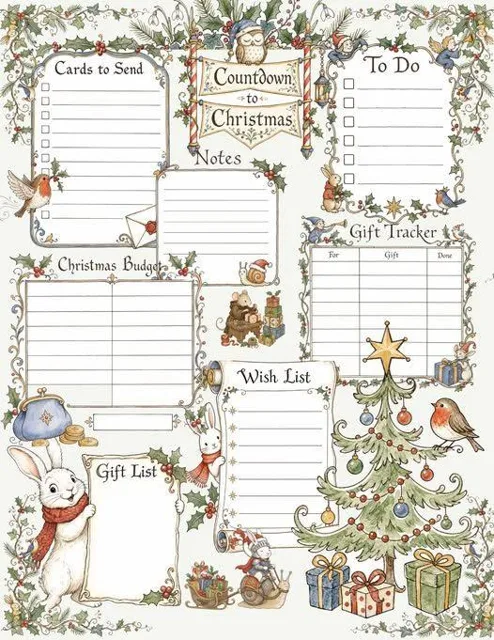
Design a whimsical planner with medieval marginalia, then make your own with the prompt generator.
 Preview kit
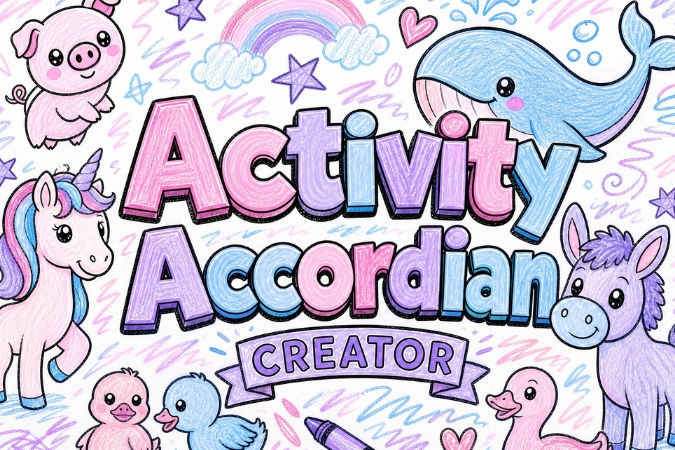
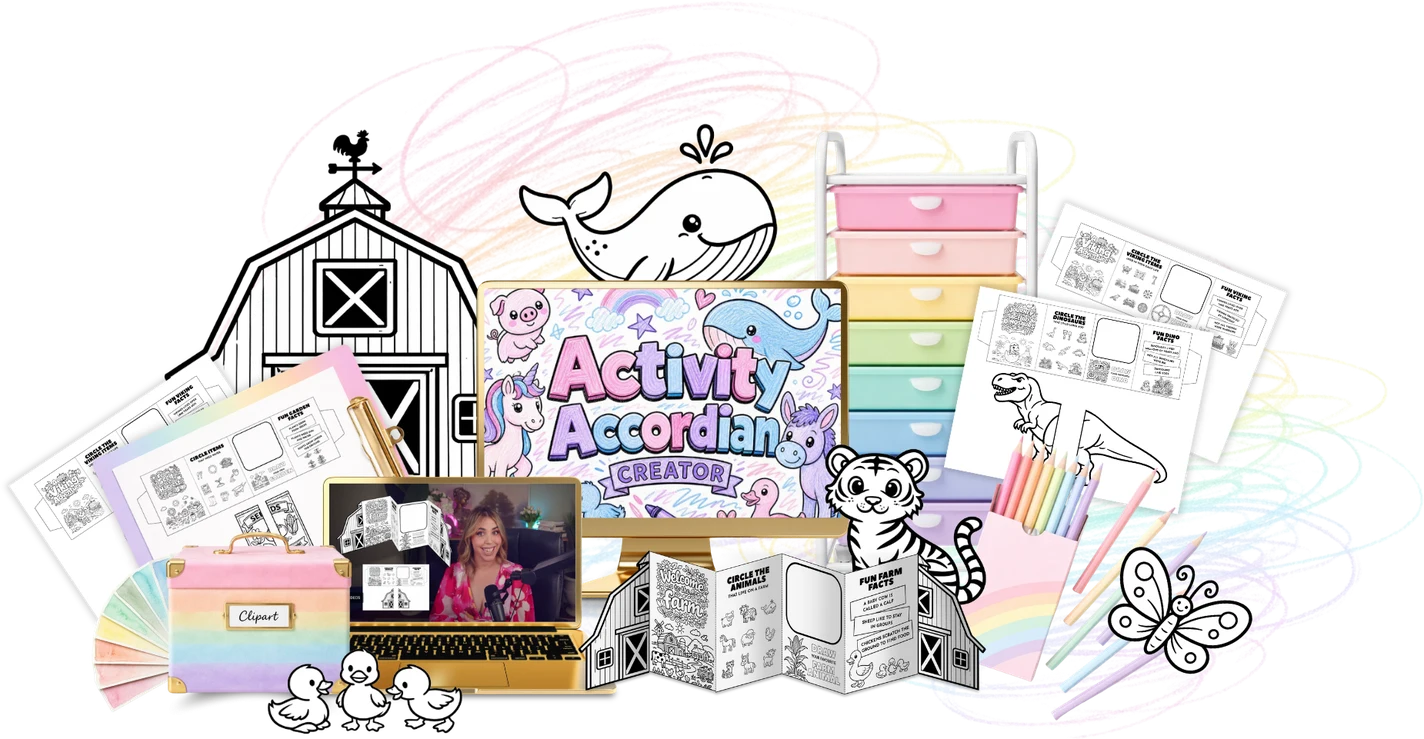
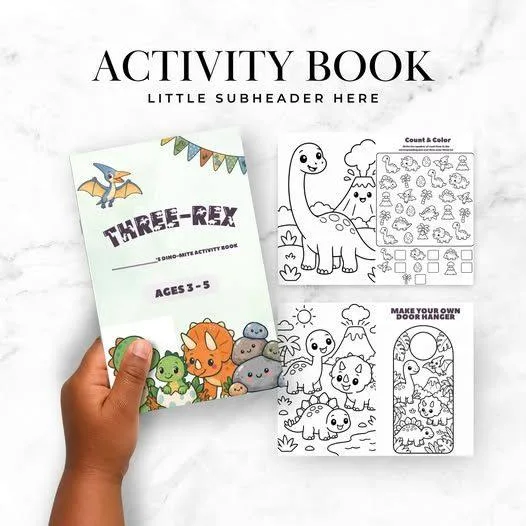
Design a fold-out accordion activity booklet kids can colour, solve and carry.
 Preview kit
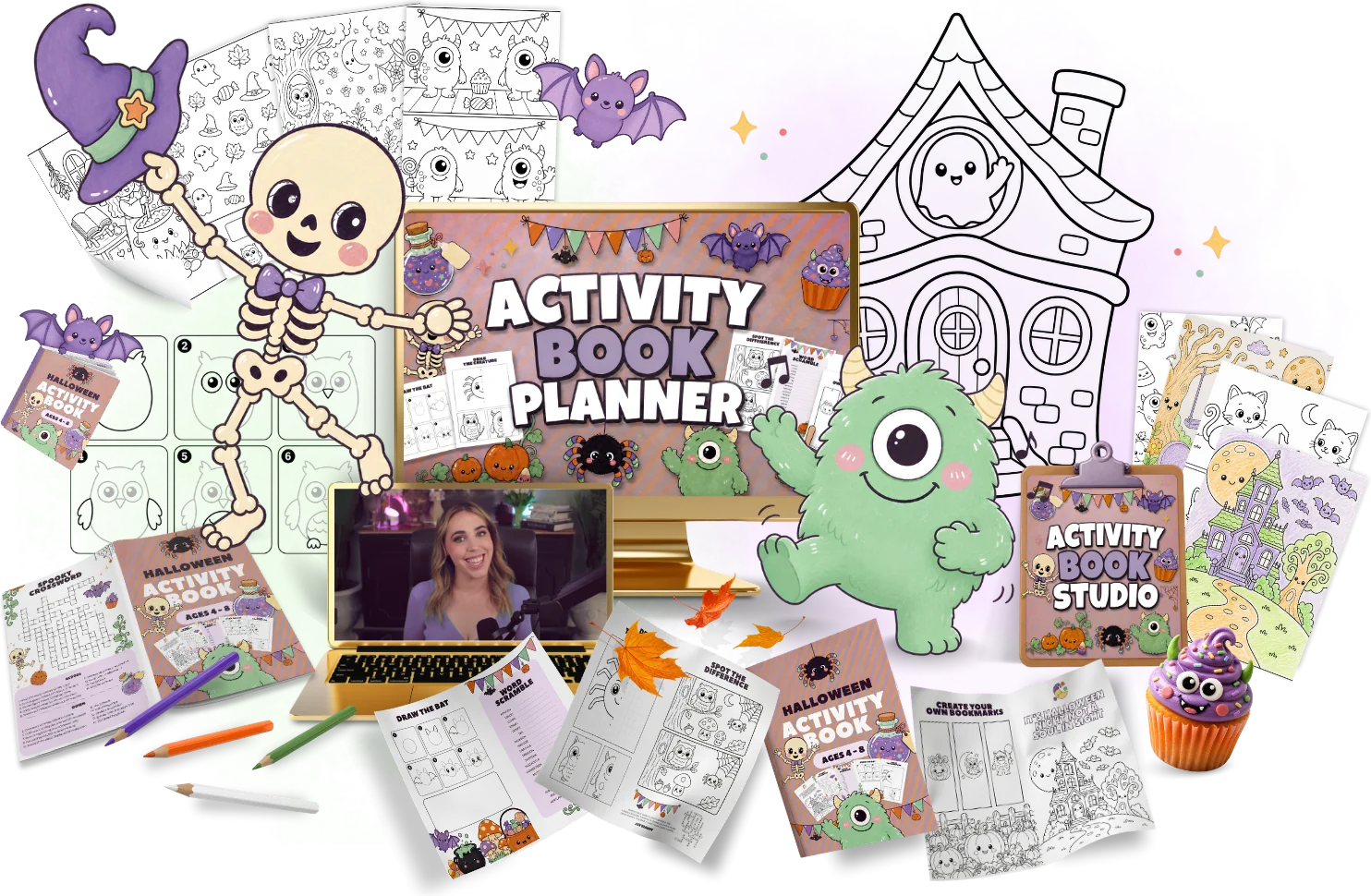
Plan and build a printable kids activity book, page by page, with the Activity Book Planner.
 Preview kit
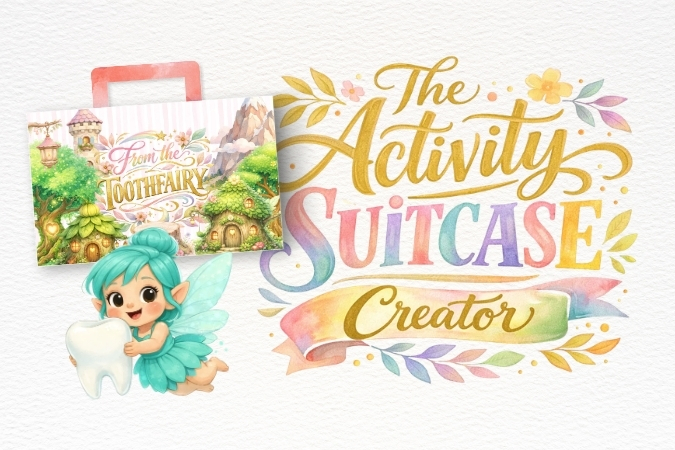
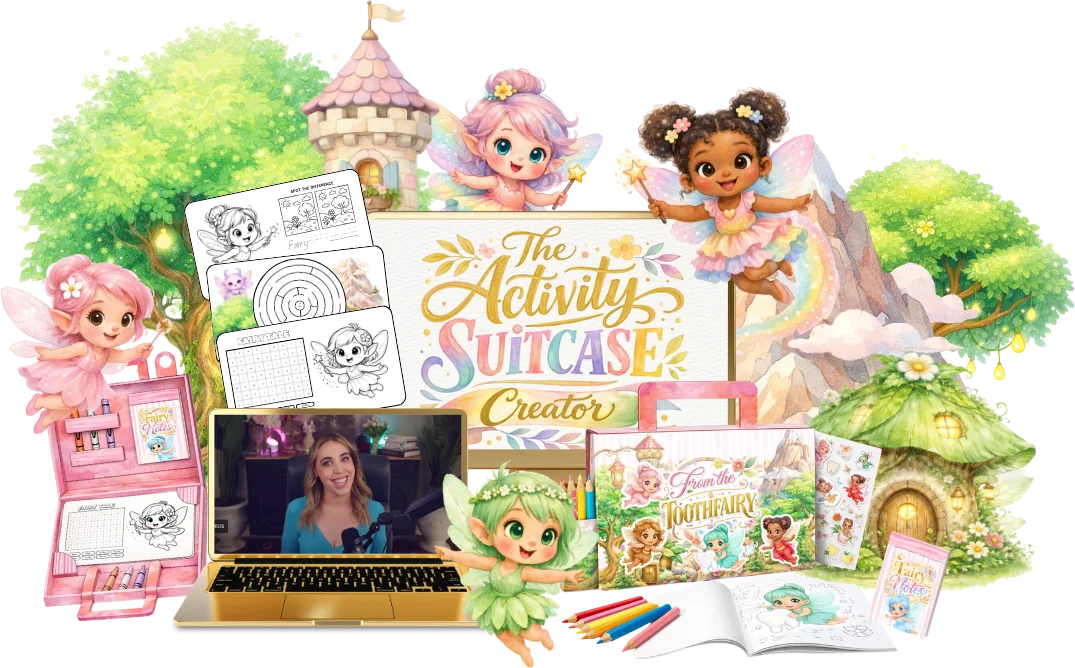
Make a printable activity suitcase that folds up and holds mini activity cards.
 Preview kit
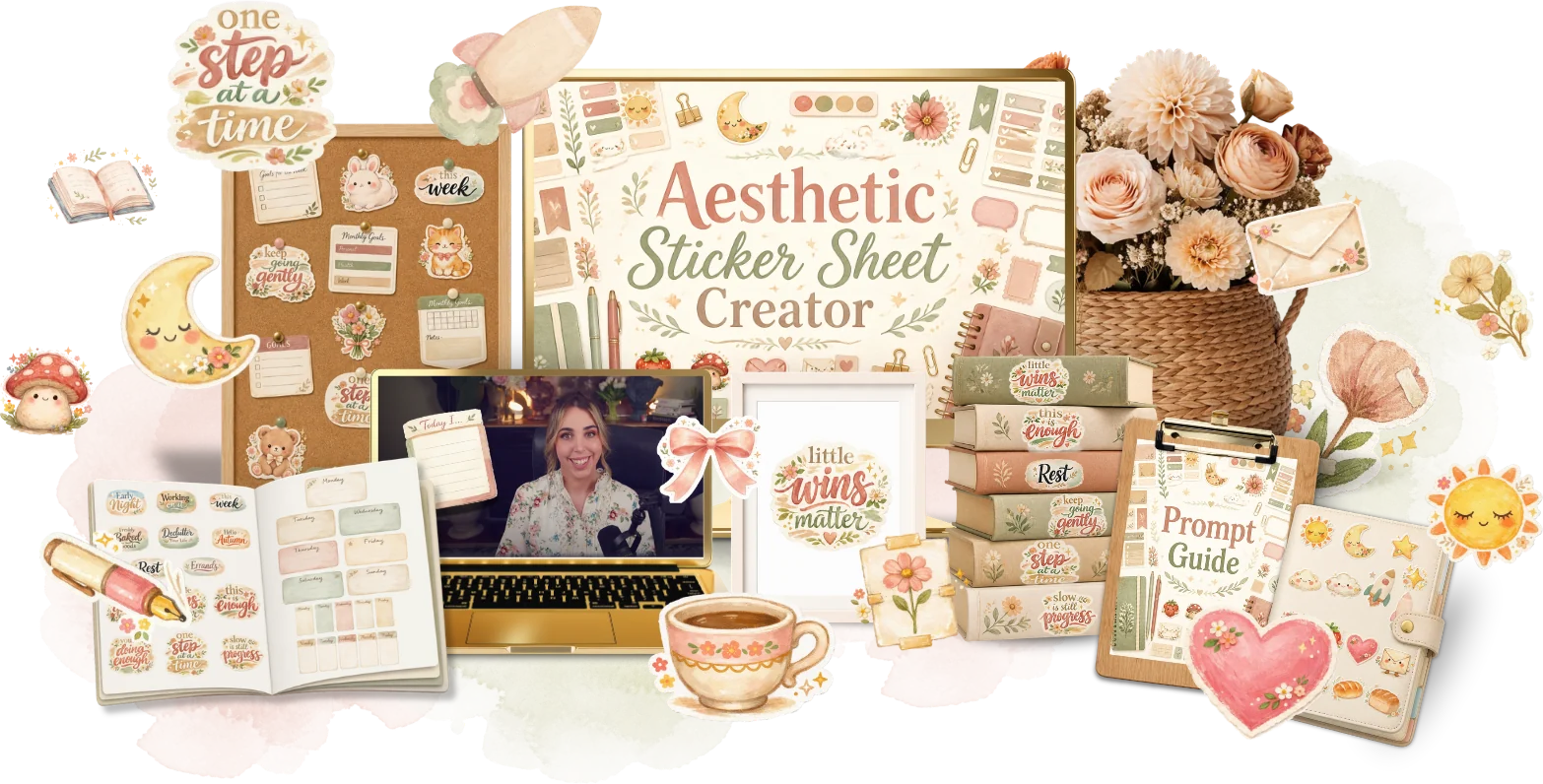
Create aesthetic planner sticker sheets ready for print or digital planners.
 Preview kit
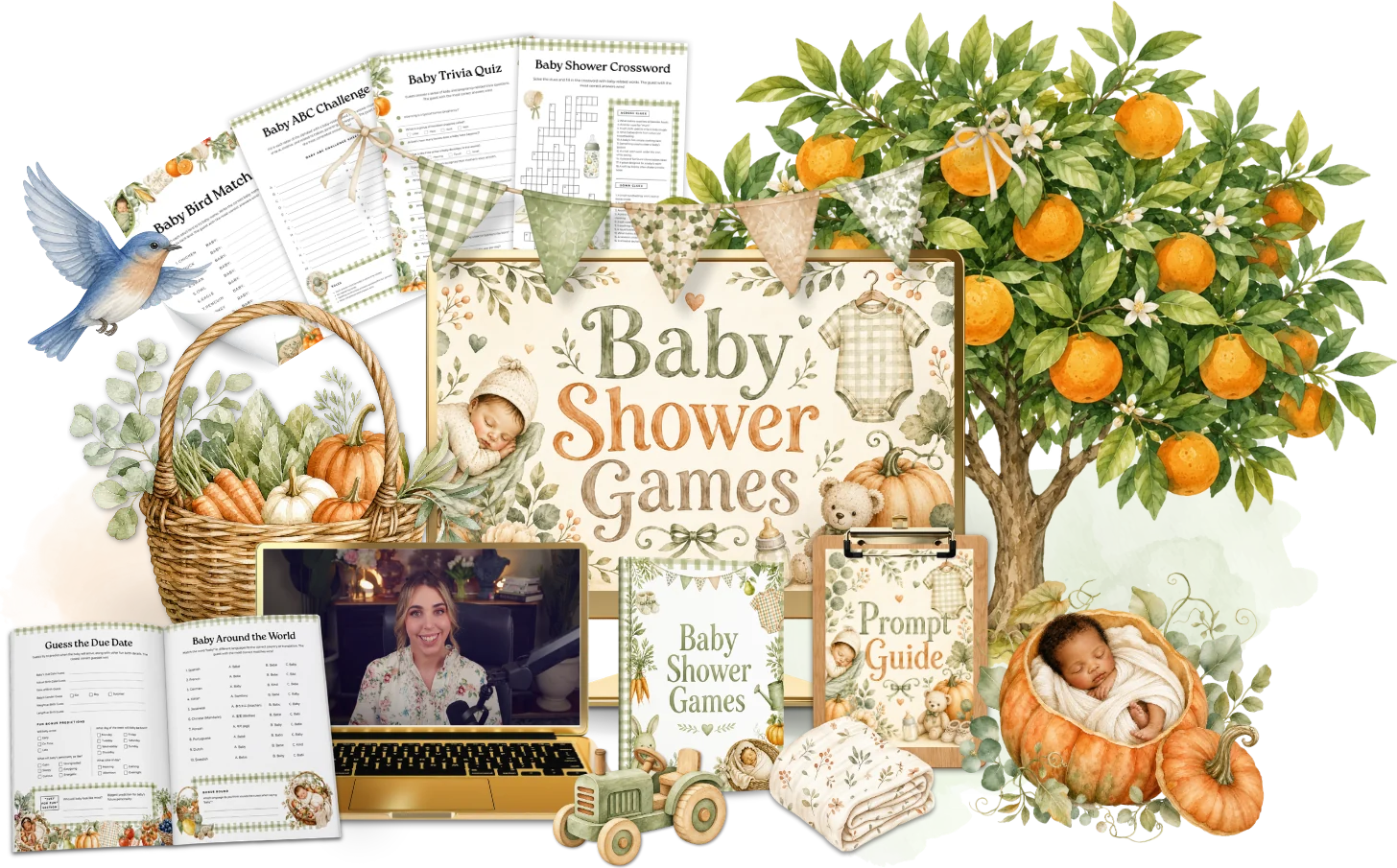
Design a set of baby shower games guests can print and play.
 Preview kit
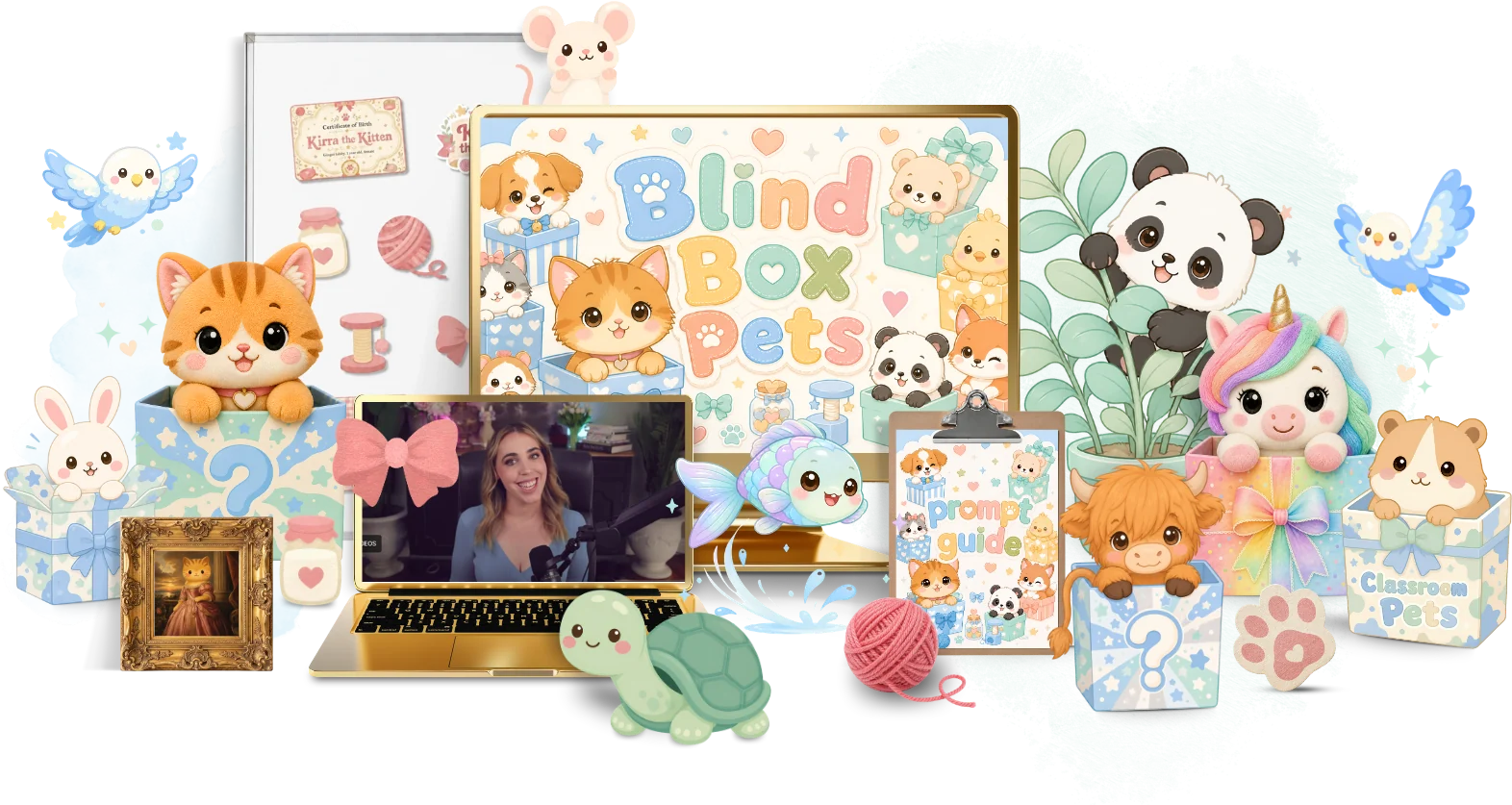
Create collectable blind box pets with AI prompts, then turn them into printables.
 Preview kit
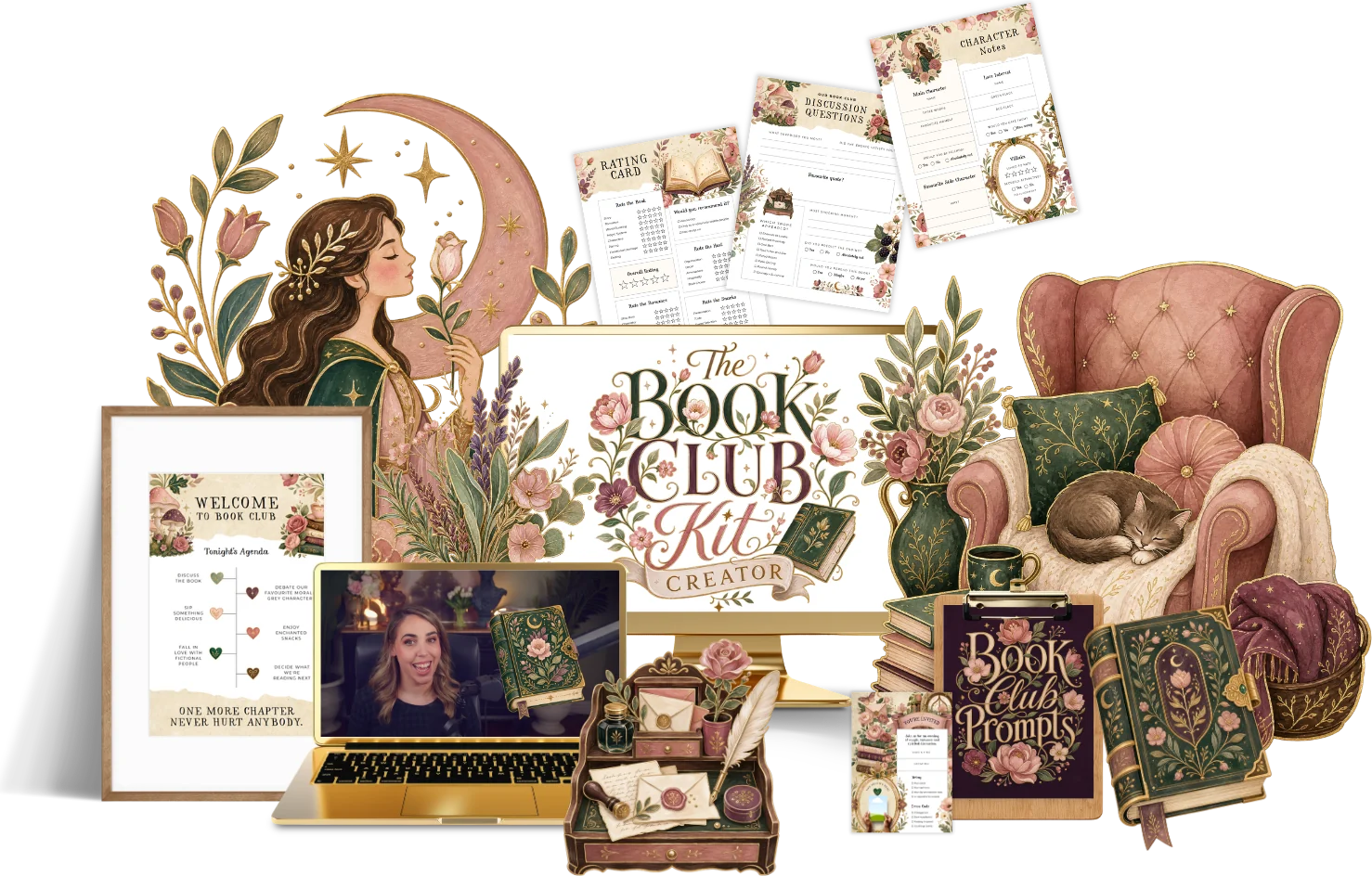
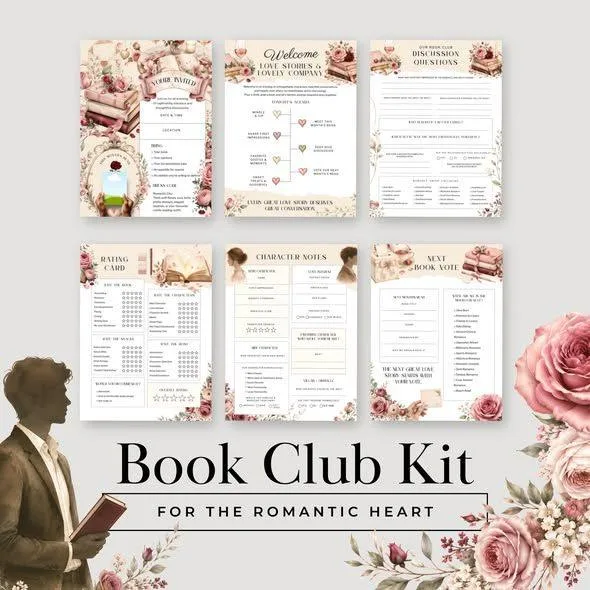
Make a book club kit with reading trackers, bookmarks and discussion cards.
 Preview kit
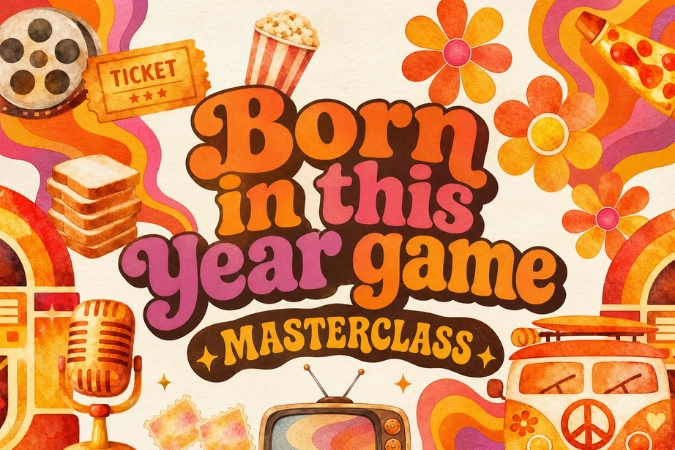
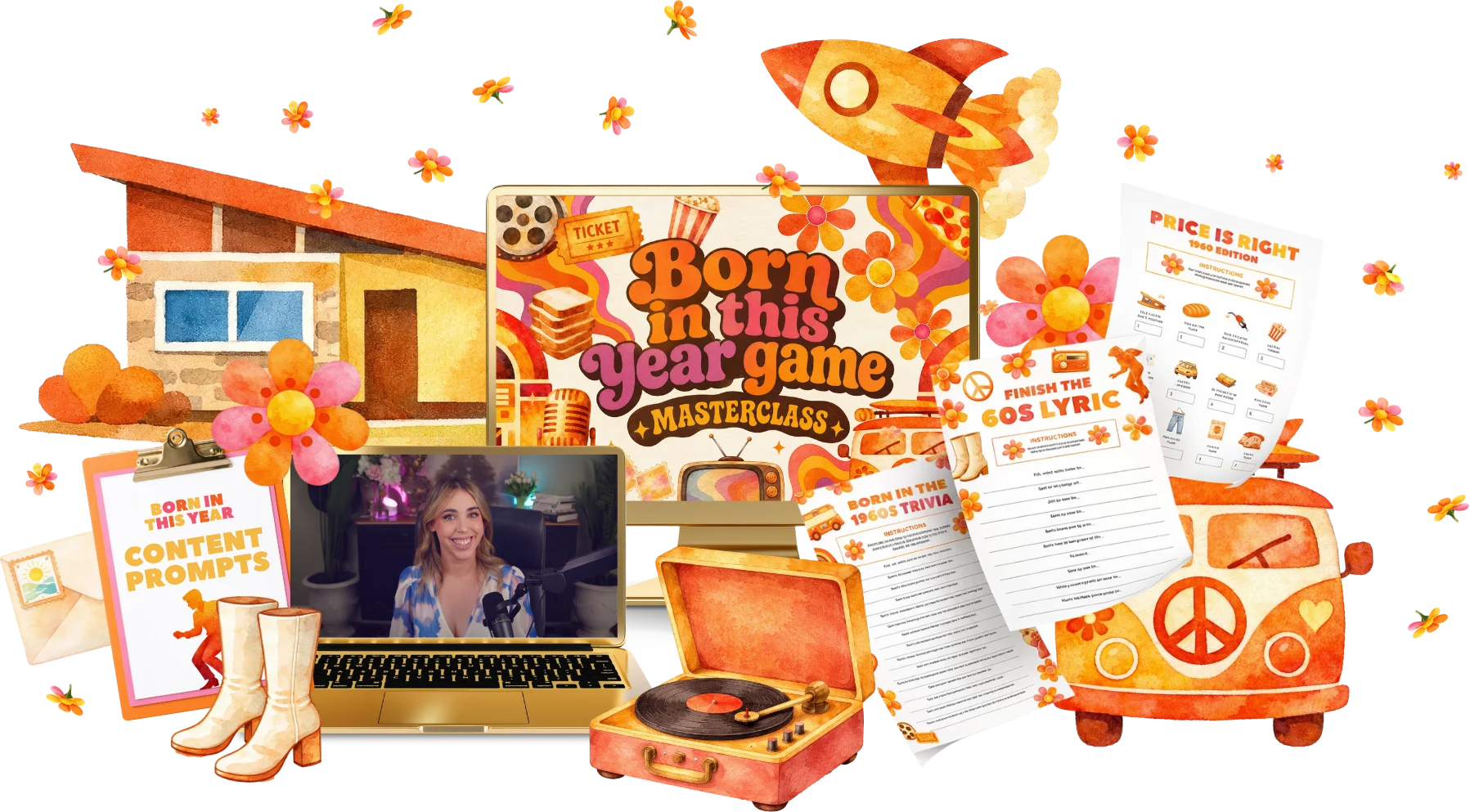
Make a 'born in this year' trivia game for birthday parties.
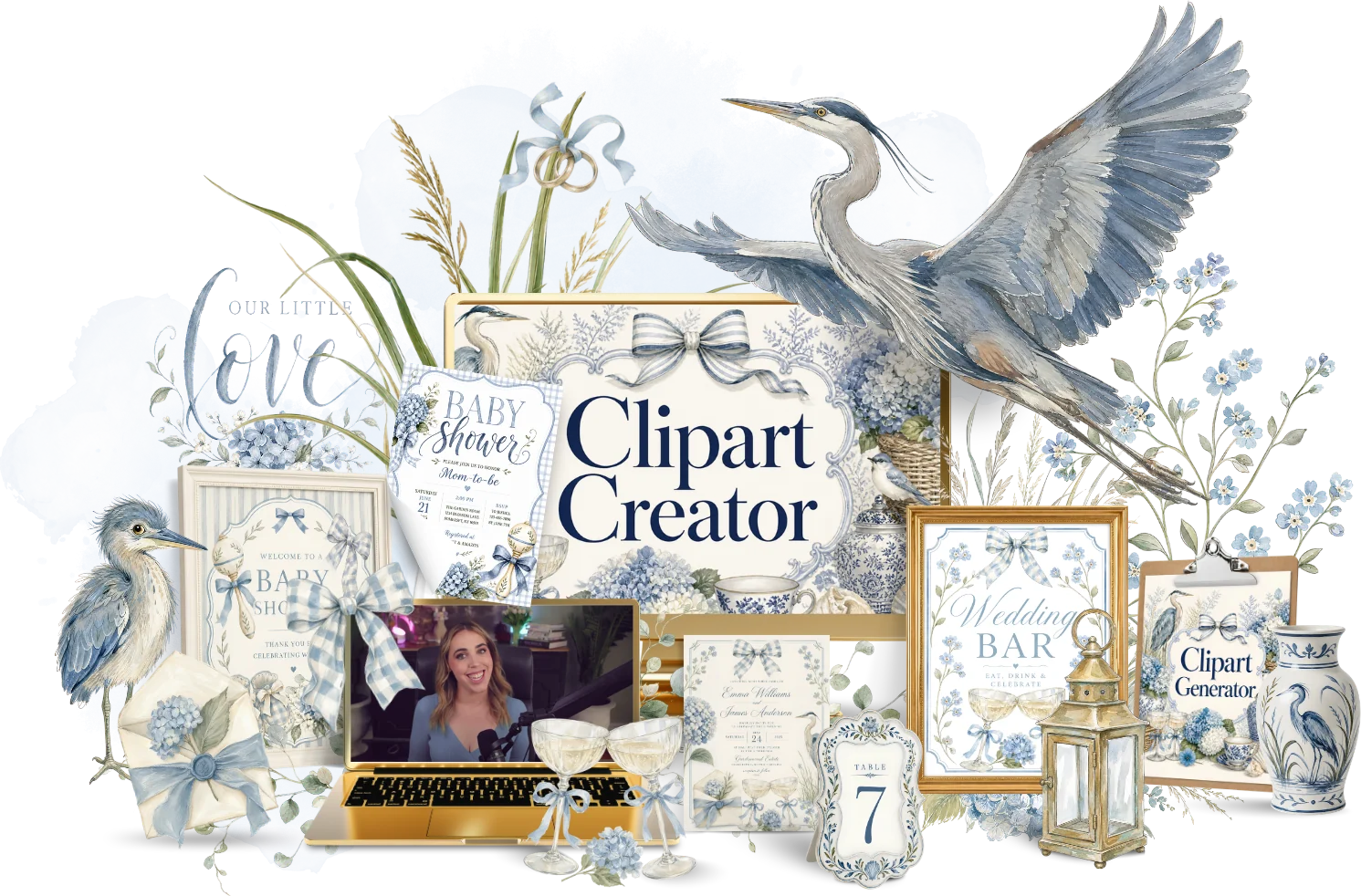 Preview kit
Learn the full clipart process, from first prompt to a sellable pack.
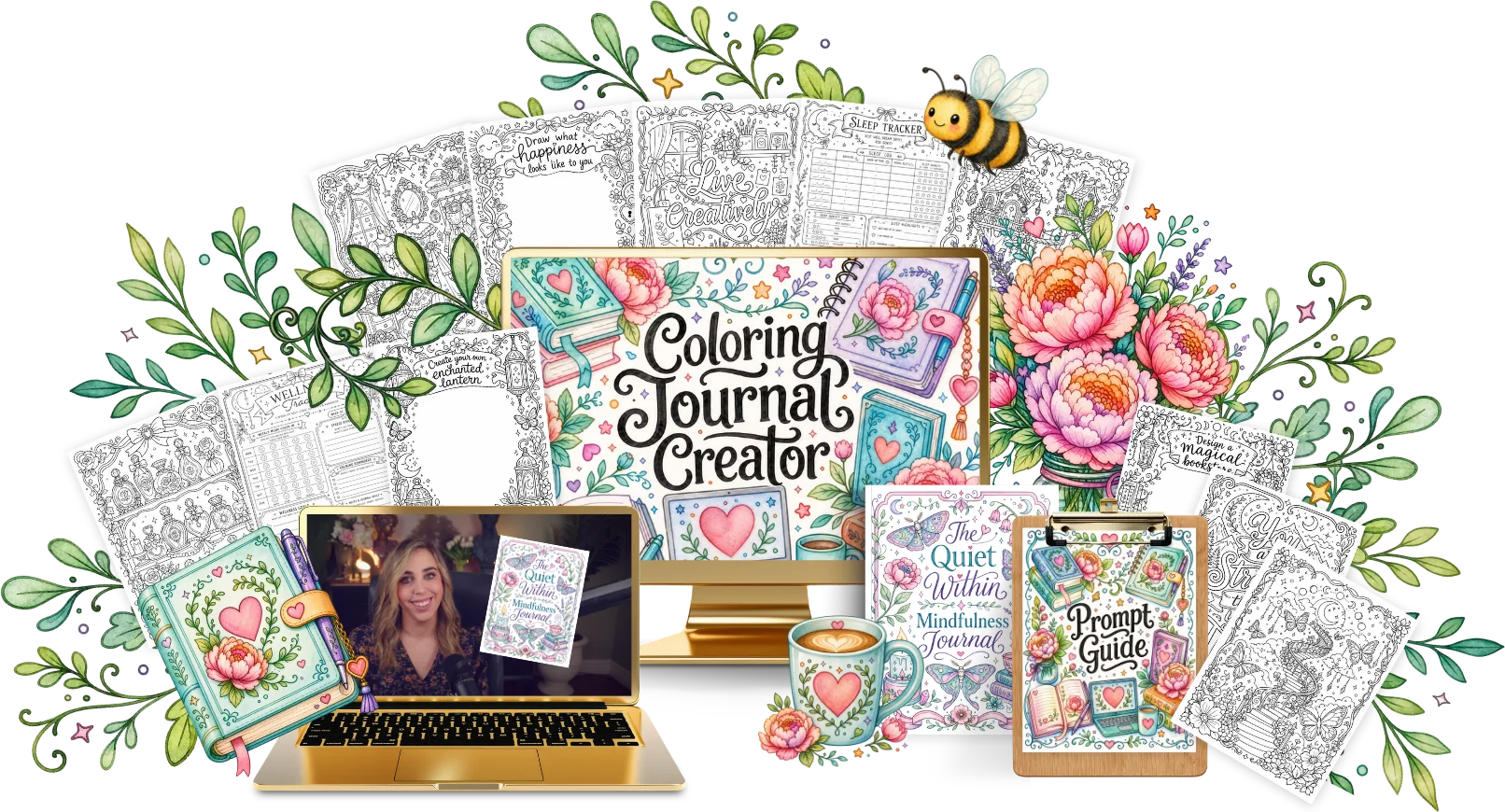 Preview kit
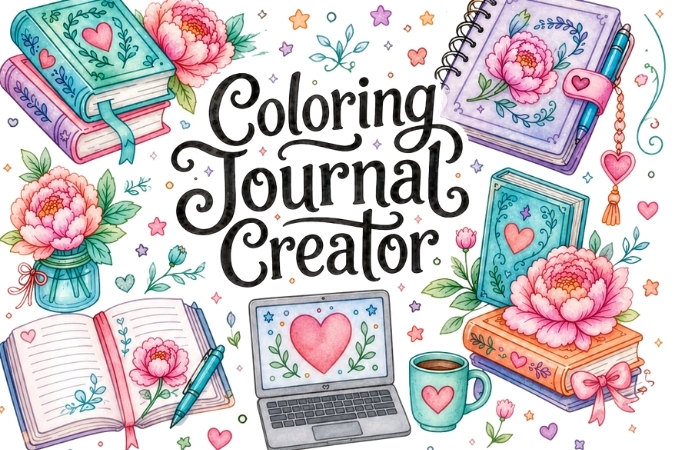
Turn quotes and line art into a colouring journal ready to sell.
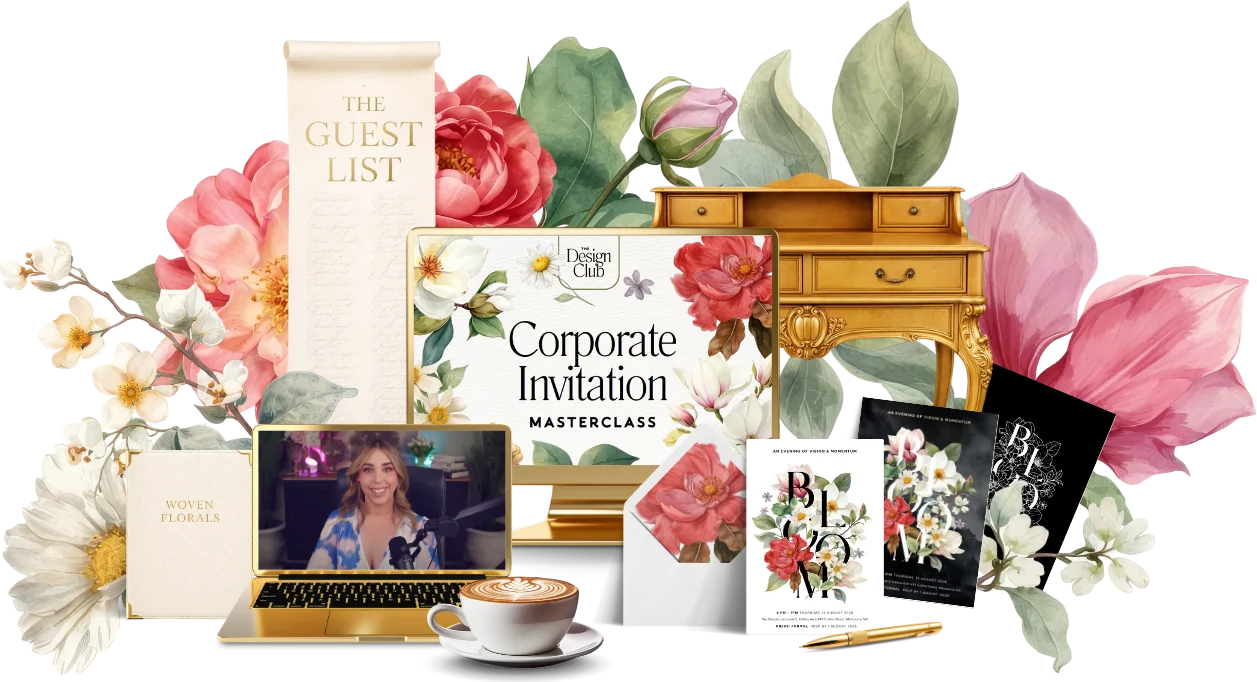 Preview kit
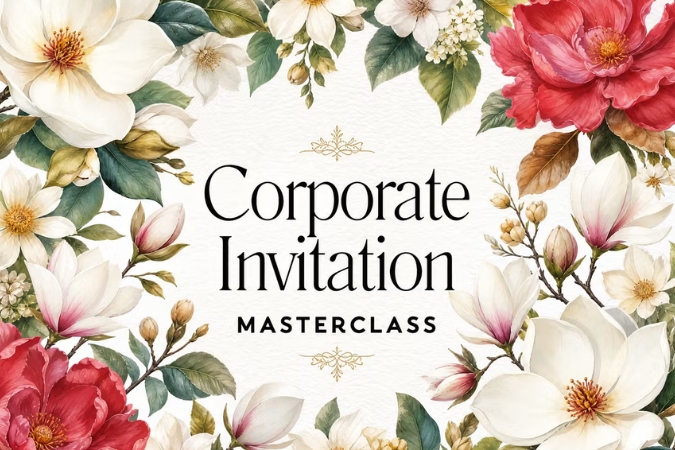
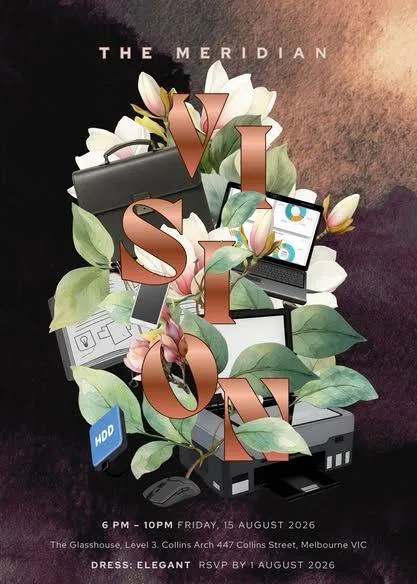
Design a polished corporate event invitation with matching details.
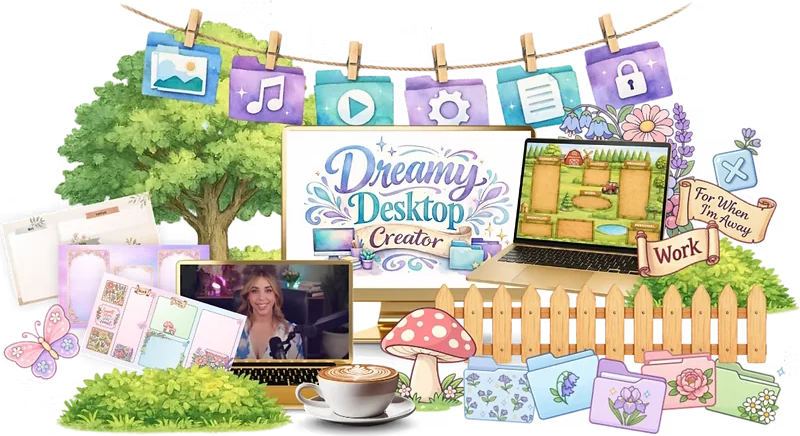 Preview kit
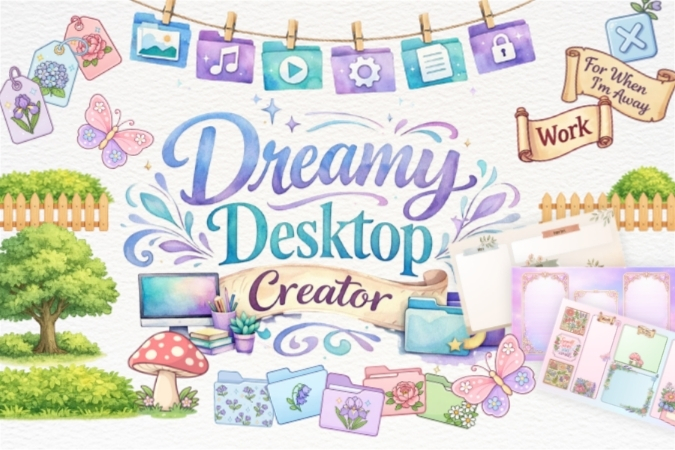
Design dreamy desktop wallpapers that organise files into neat zones.
 Preview kit
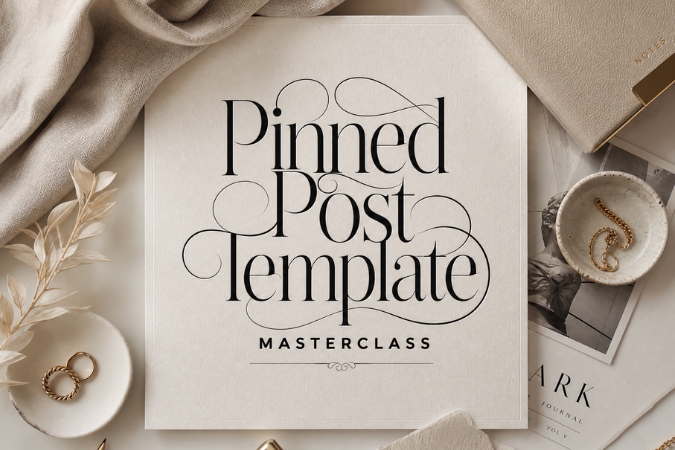
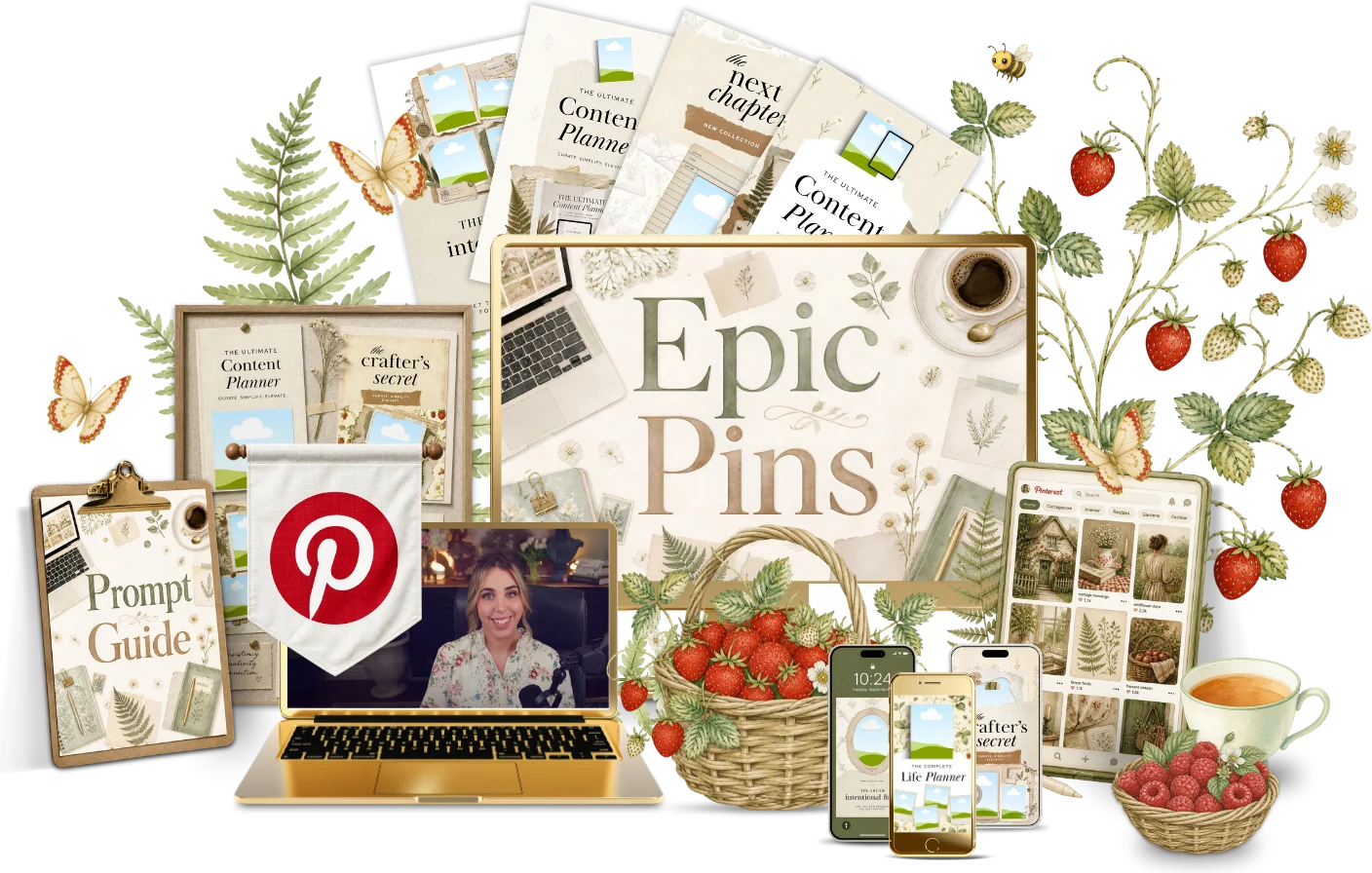
Design scroll-stopping Pinterest pins that send buyers to your products.
 Preview kit
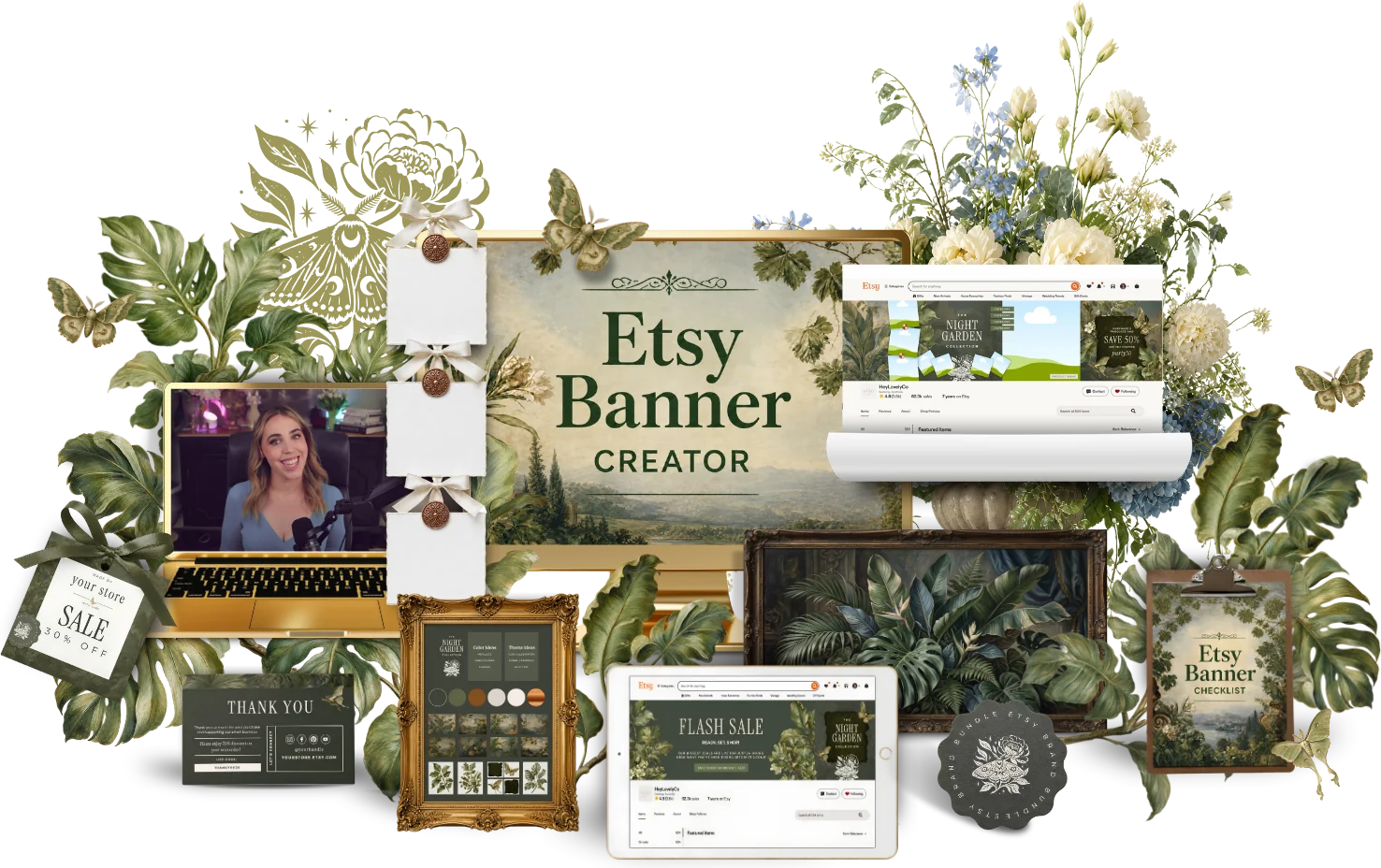
Create a matching Etsy banner, shop icon and graphics set.
 Preview kit
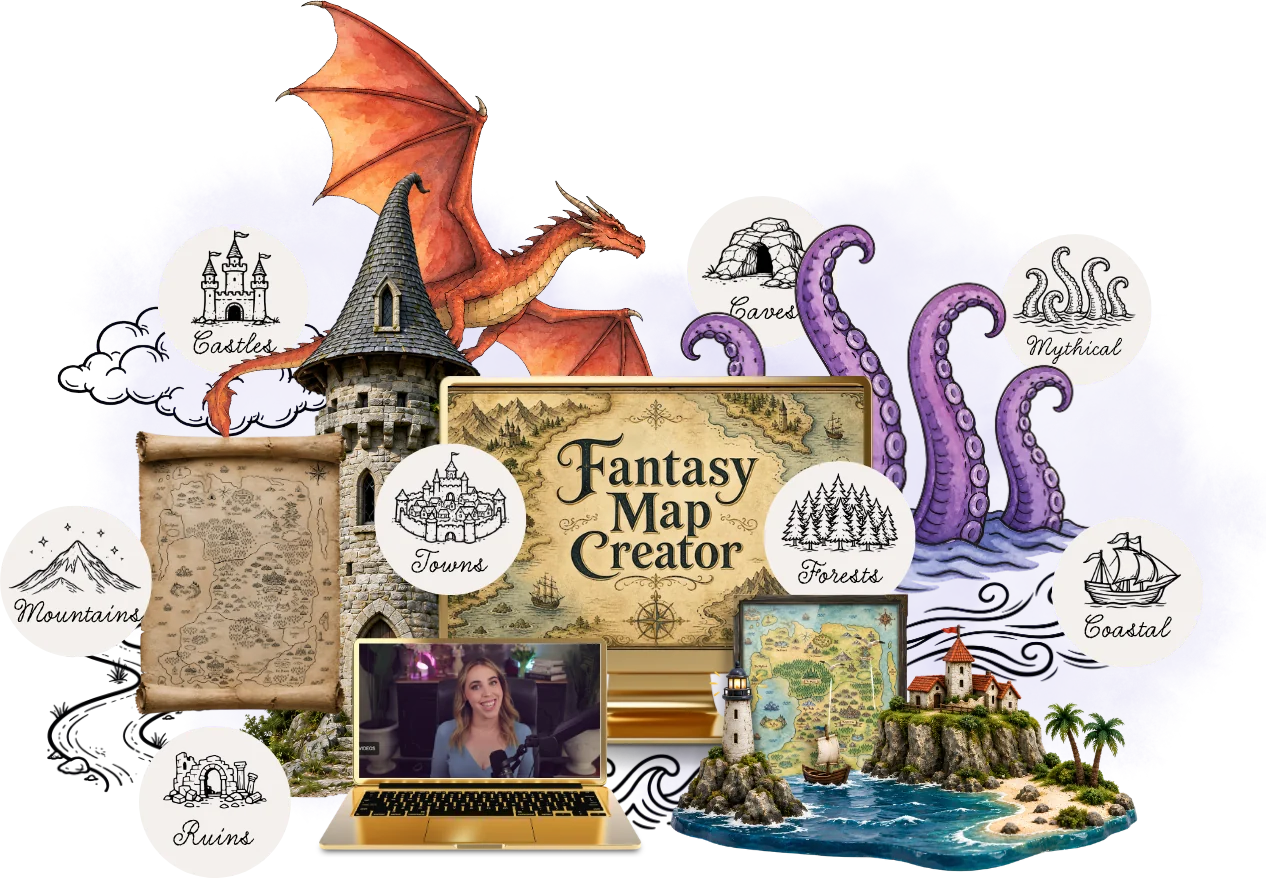
Draw an illustrated fantasy map with castles, compass roses and named lands.
 Preview kit
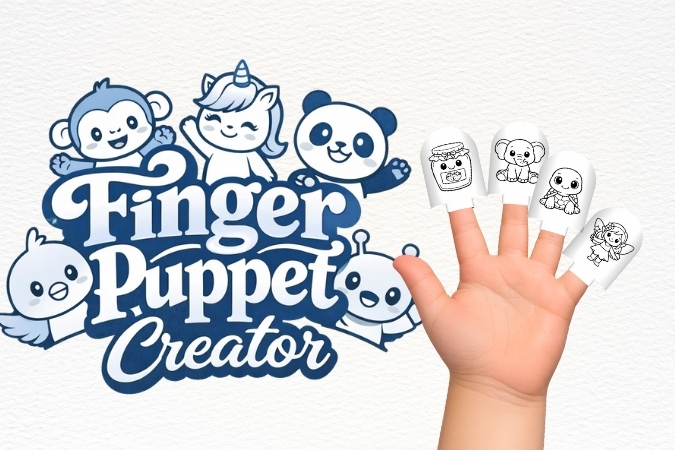
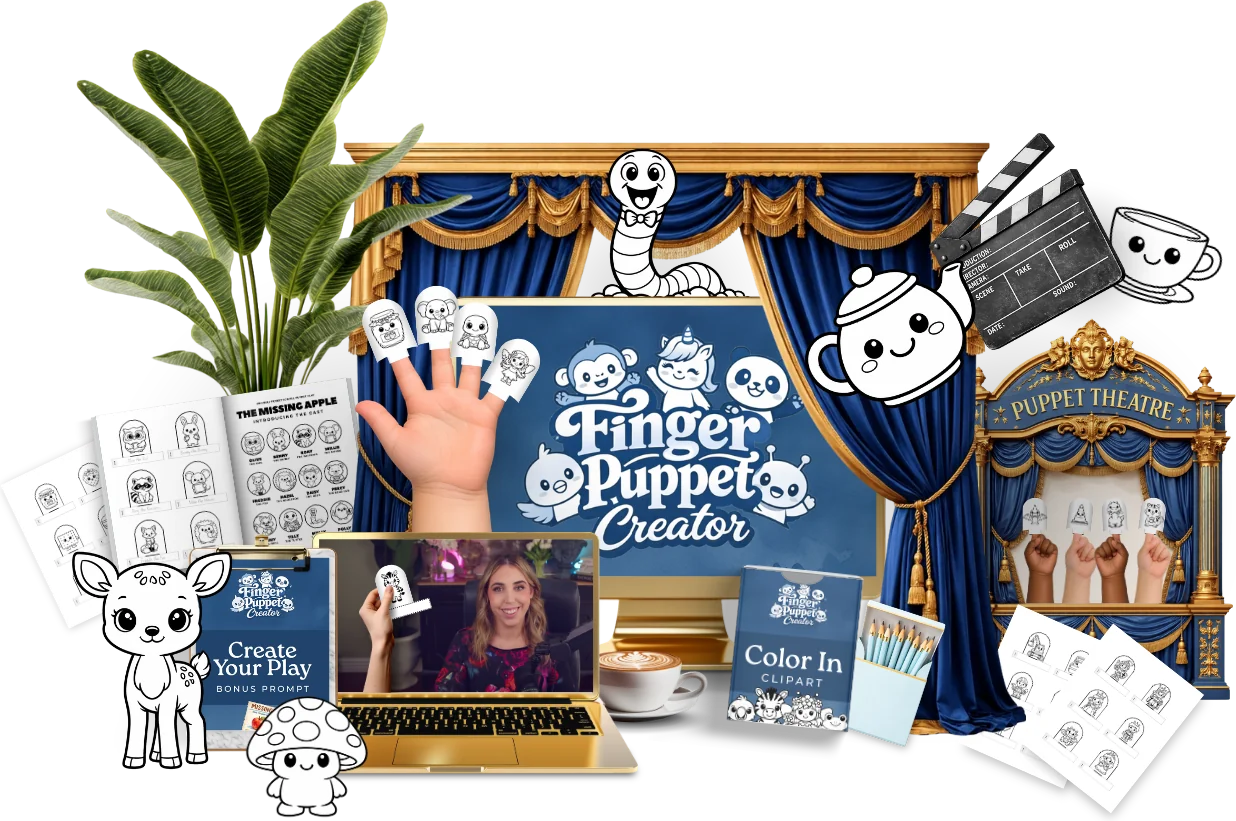
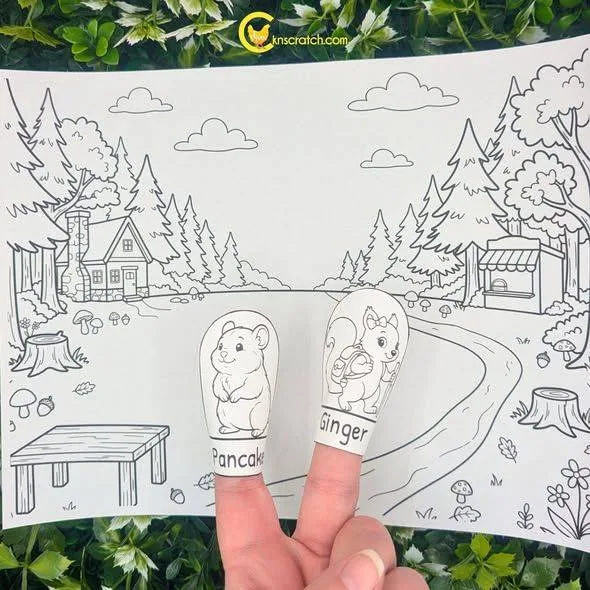
Design storytime finger puppets kids can cut, fold and play with.
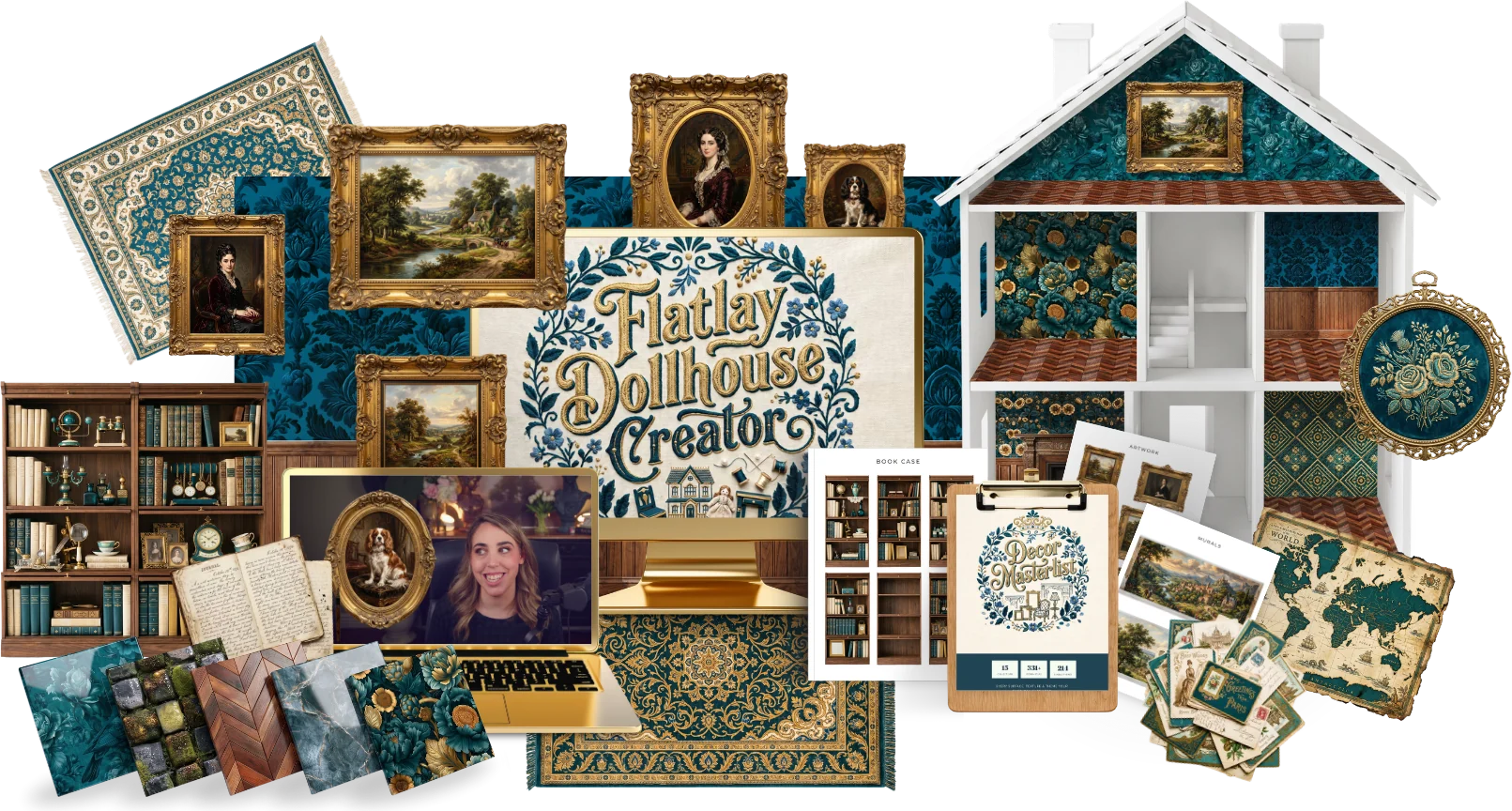 Preview kit
Build a flat paper dollhouse with patterned rooms, furniture and decor.
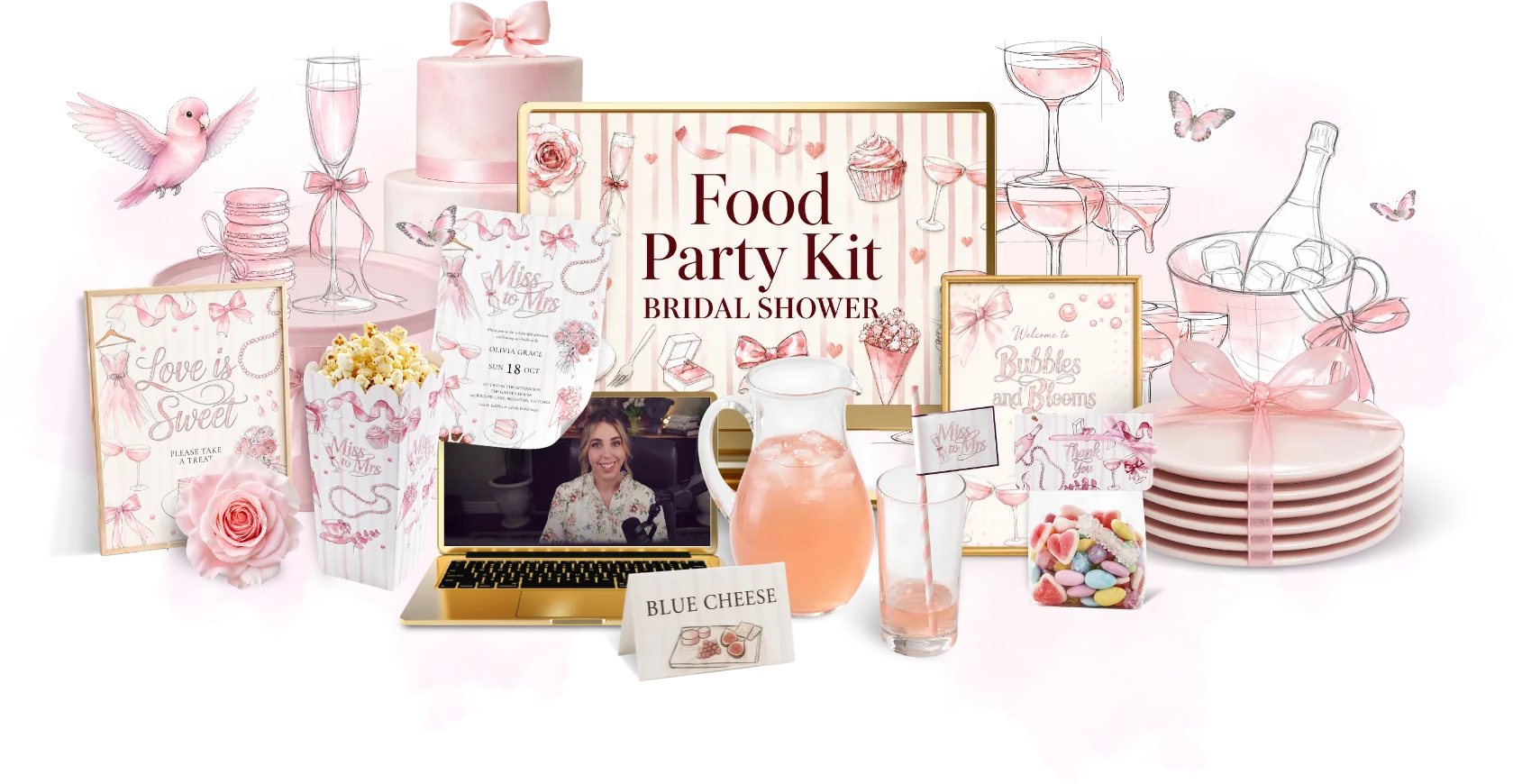 Preview kit
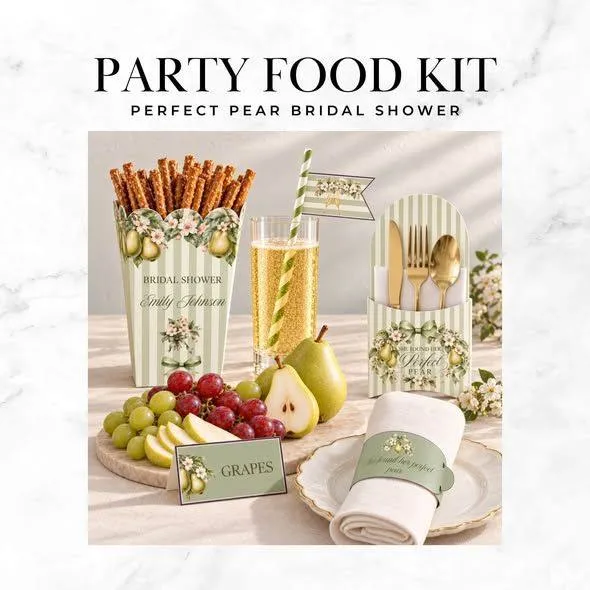
Make a matching food party kit for a bridal shower, from treat boxes to labels.
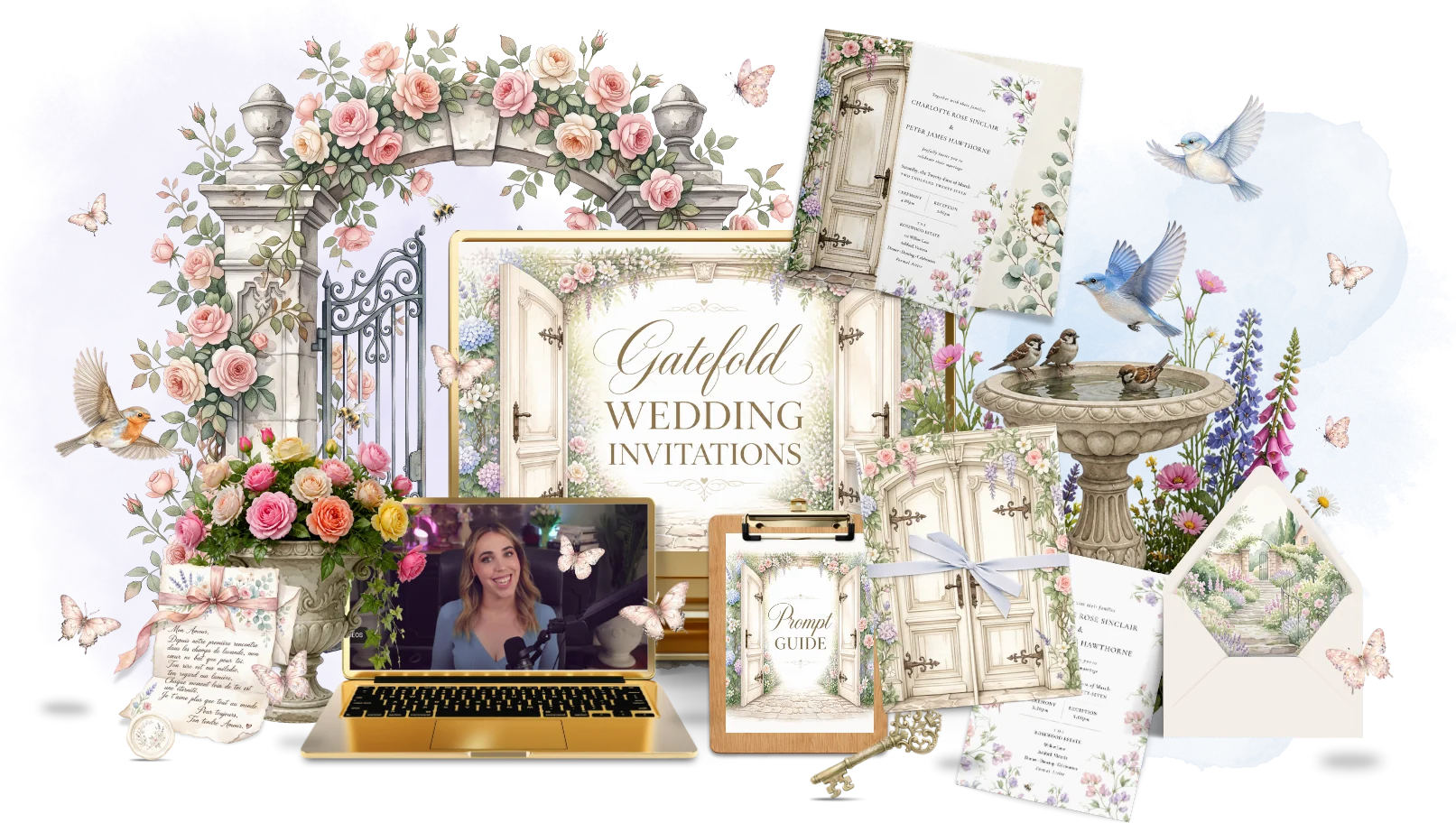 Preview kit
Design a gatefold wedding invitation that opens like a little door.
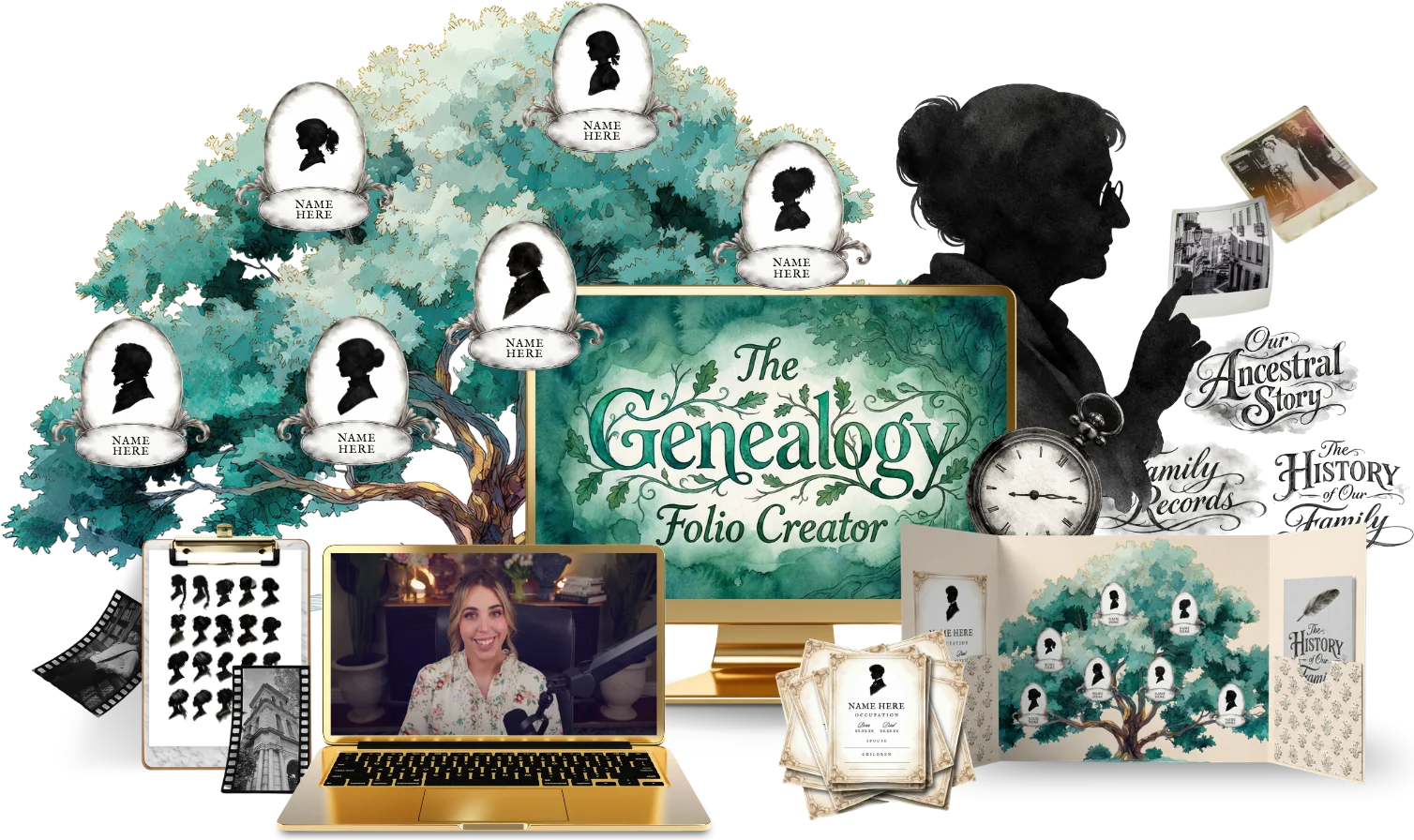
 Preview kit
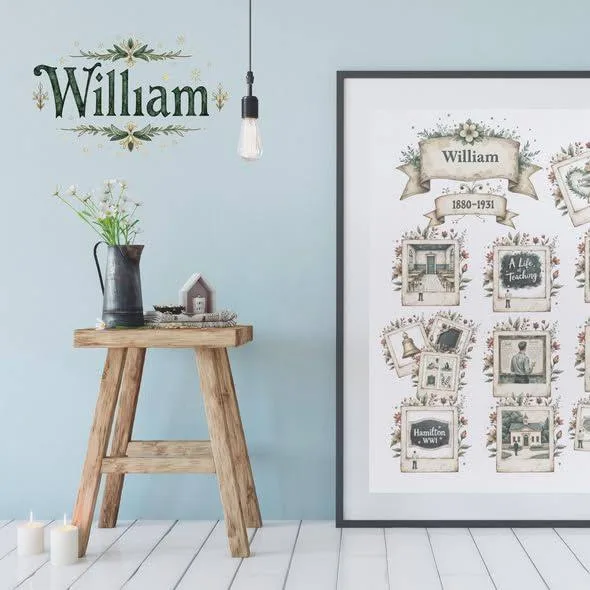
Build a family history folio with photo pockets, tags and a mini book.
 Preview kit
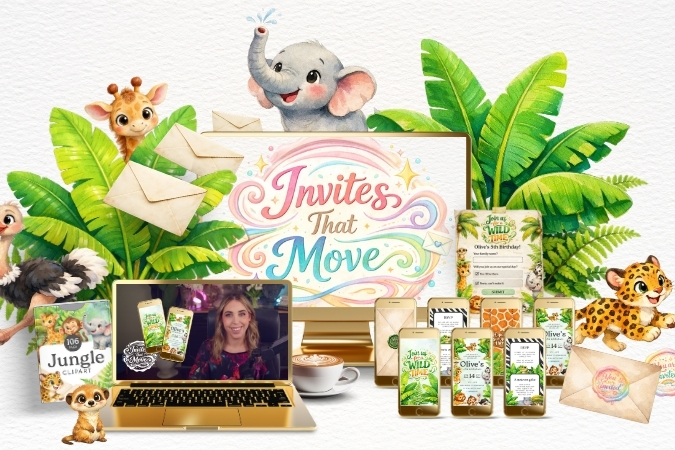
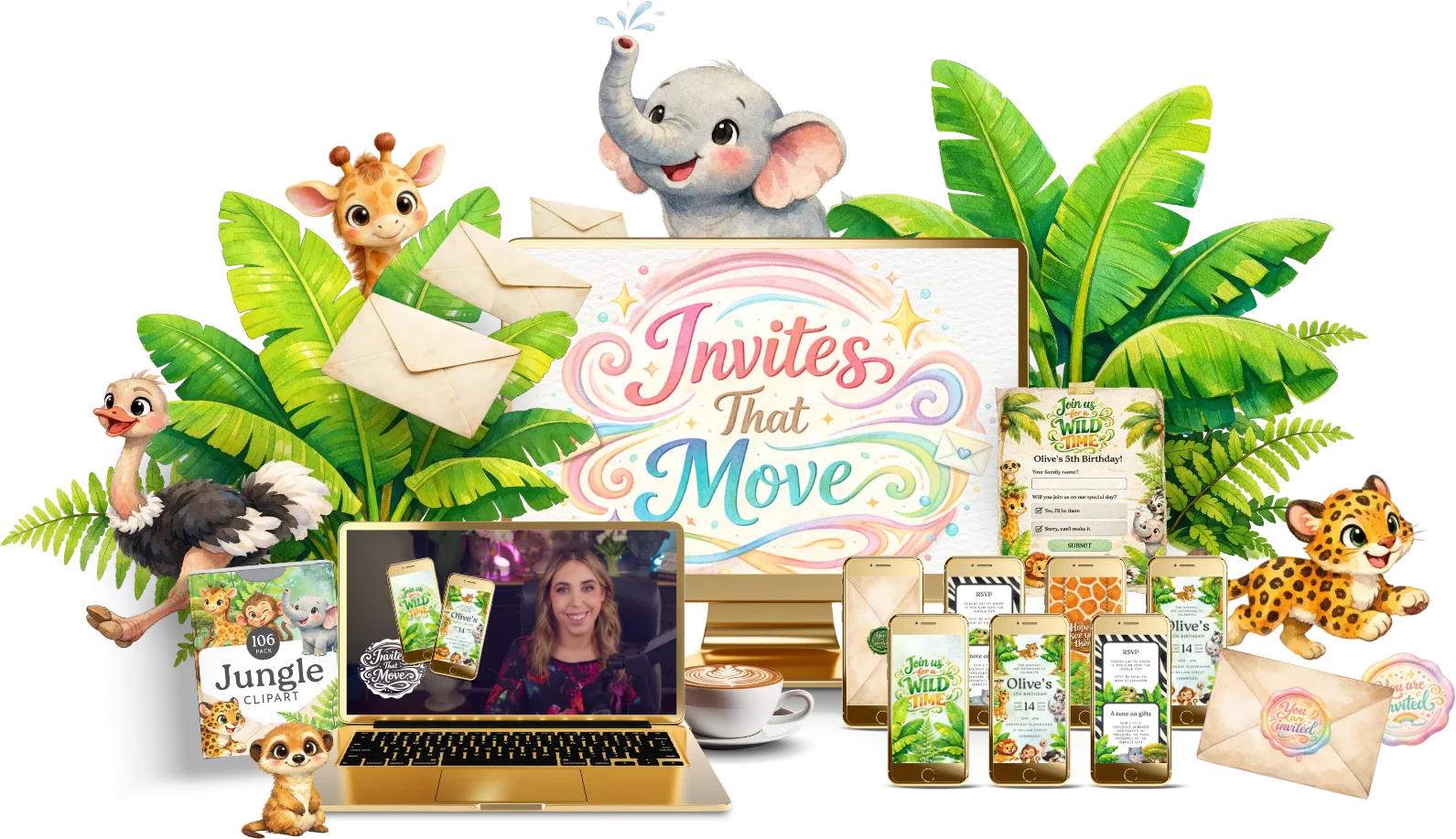
Turn a static invitation into an animated invite people can share.
 Preview kit
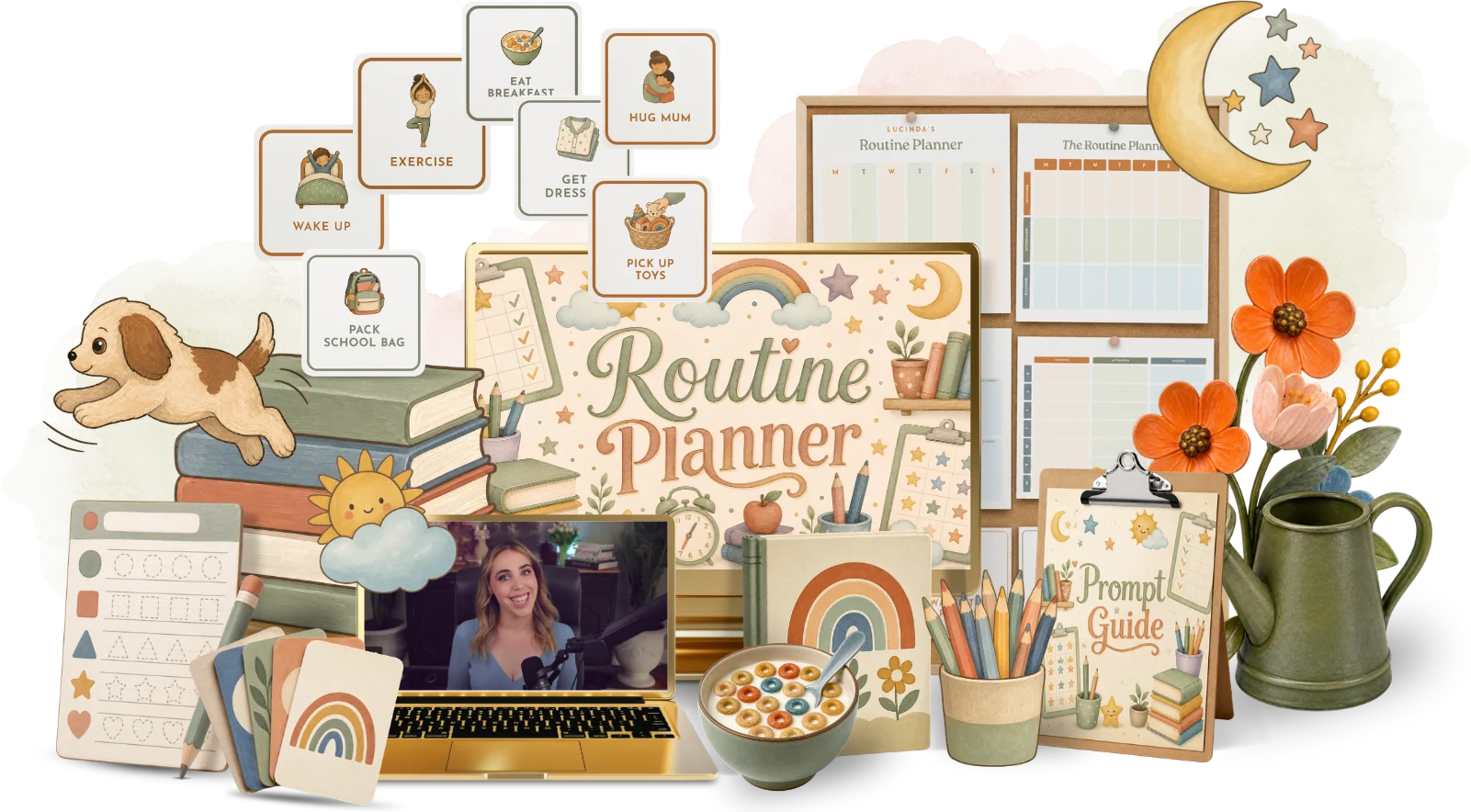
Make a picture-based routine chart that helps kids through their day.
 Preview kit
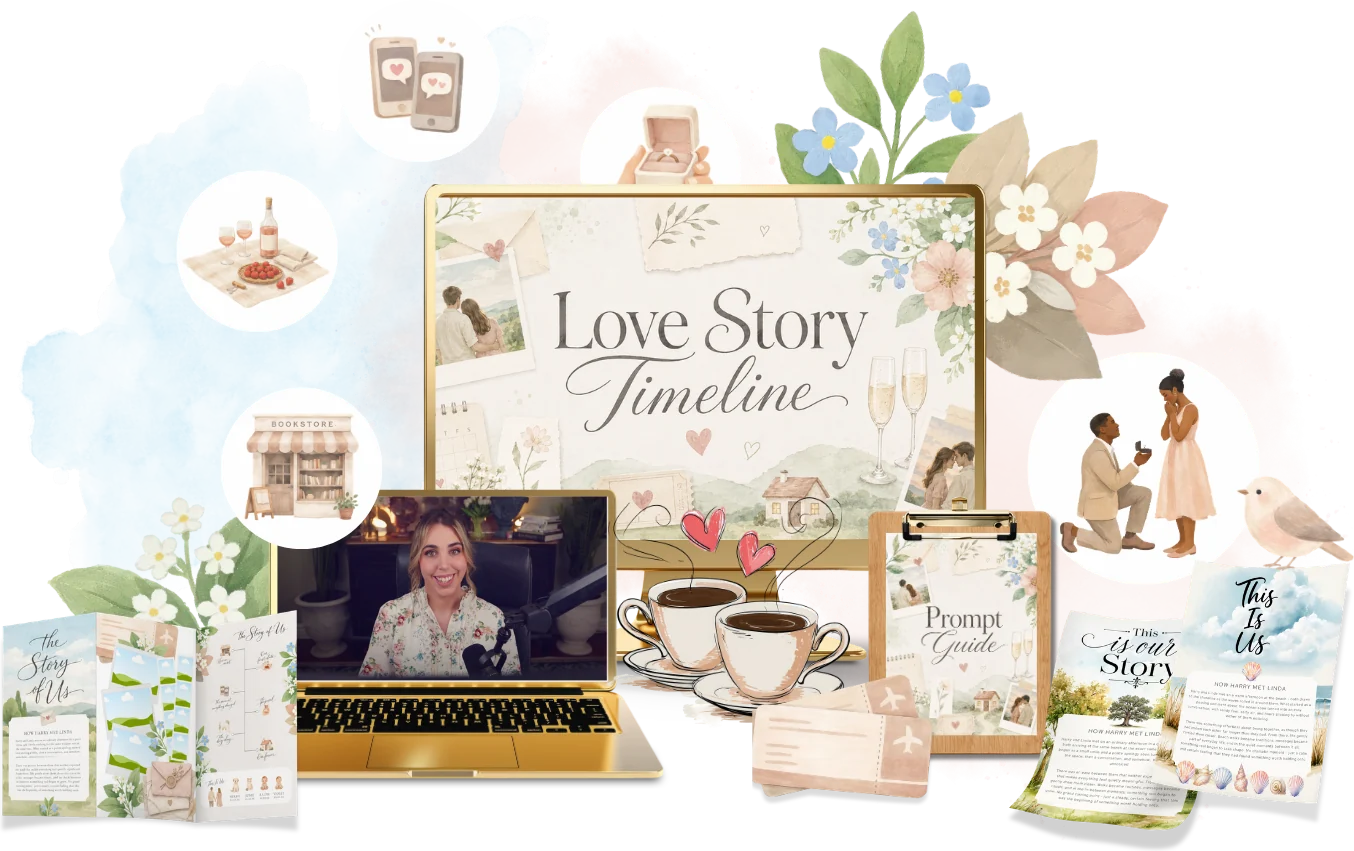
Tell a couple's story as an illustrated timeline for weddings and anniversaries.
 Preview kit
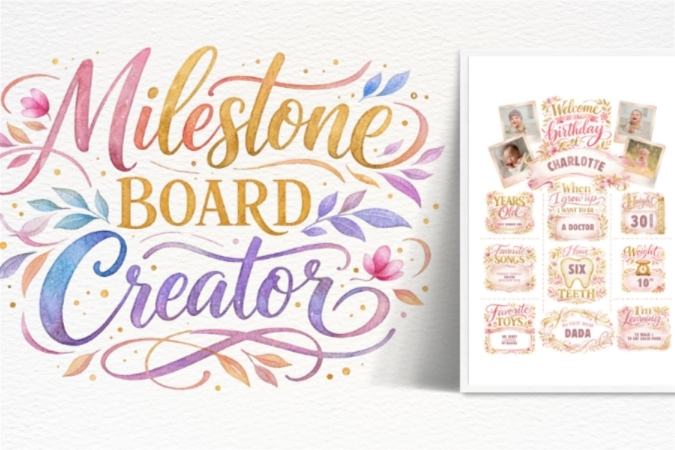
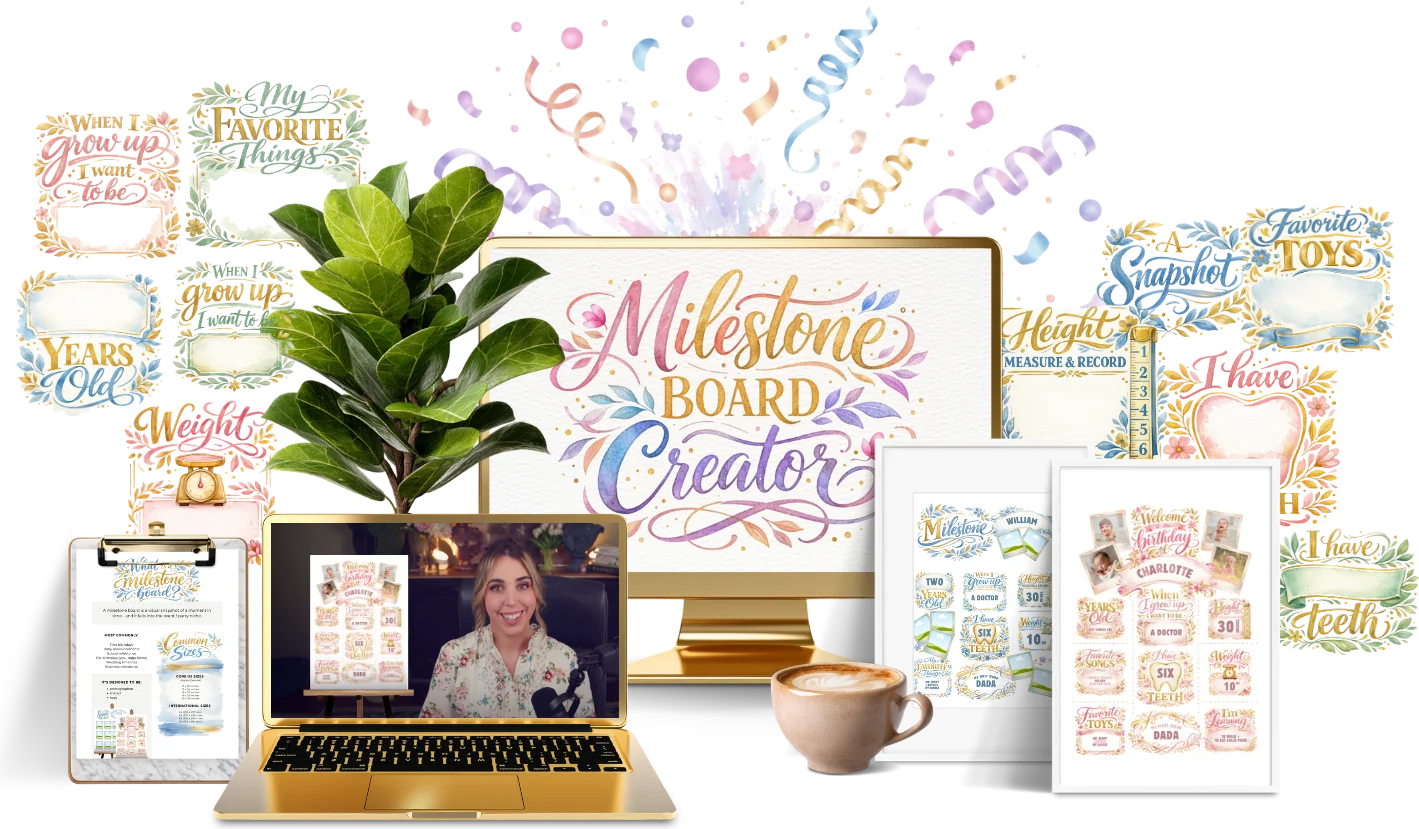
Design a baby milestone board to celebrate every first.
 Preview kit
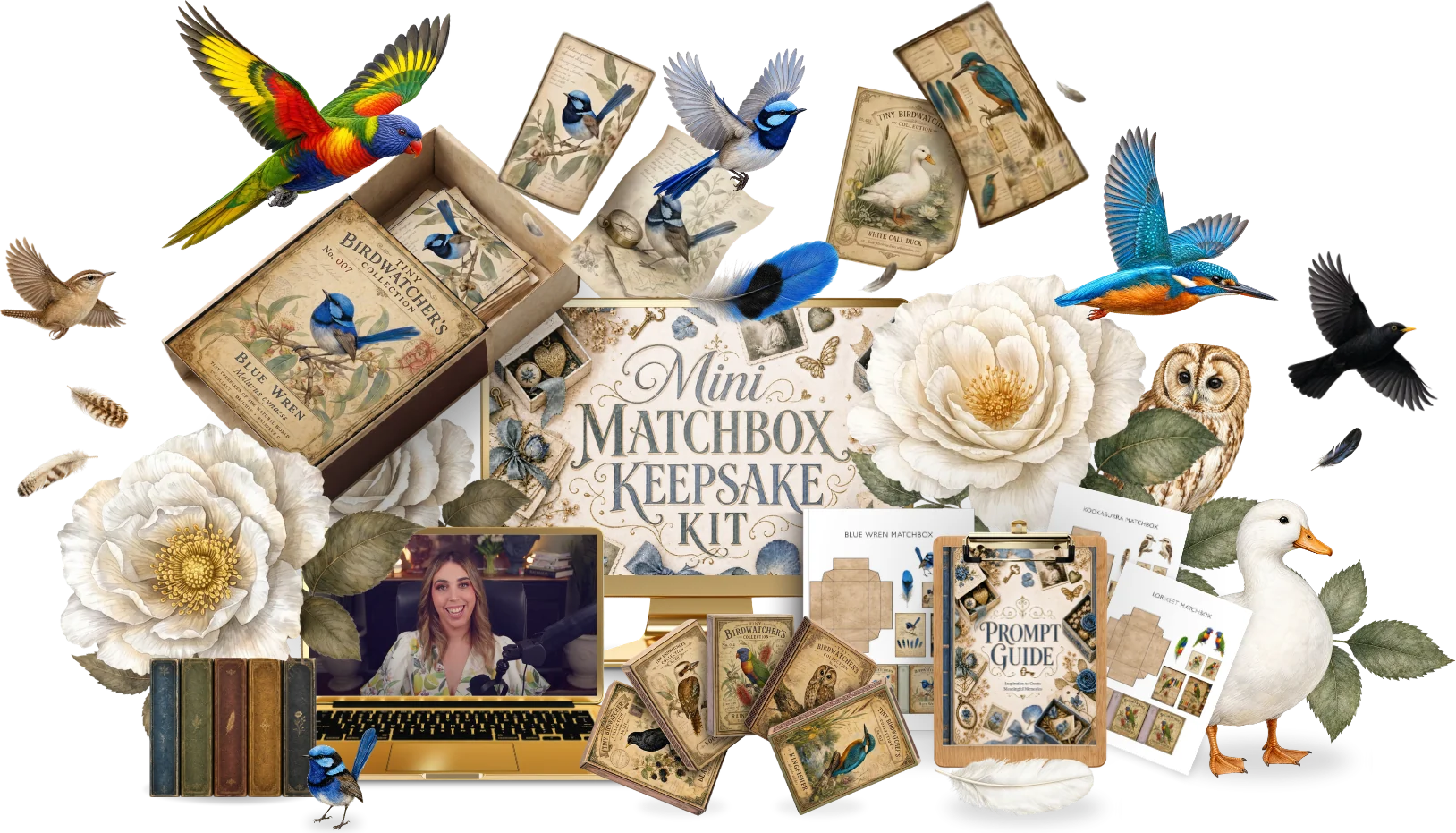
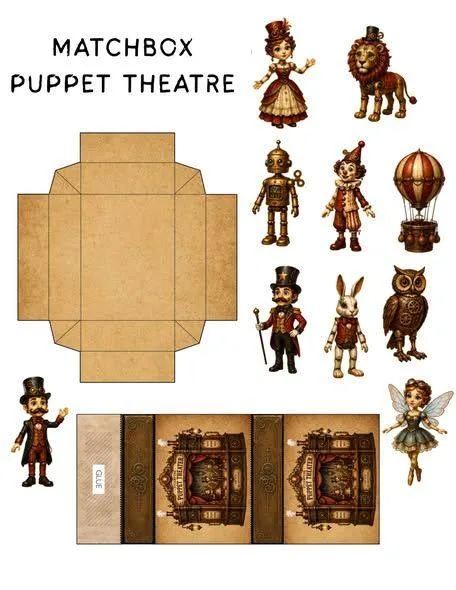
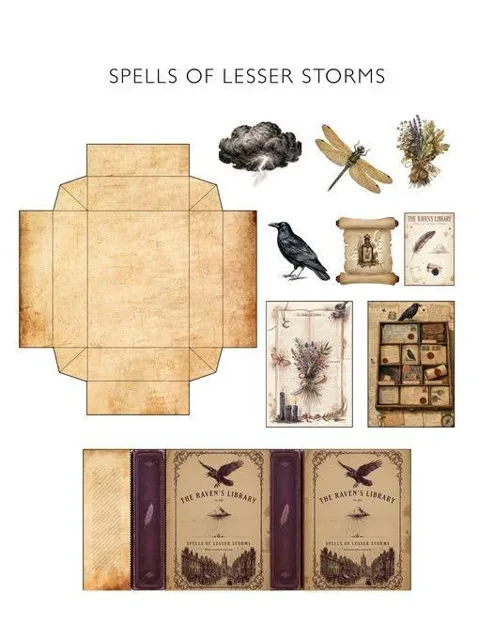
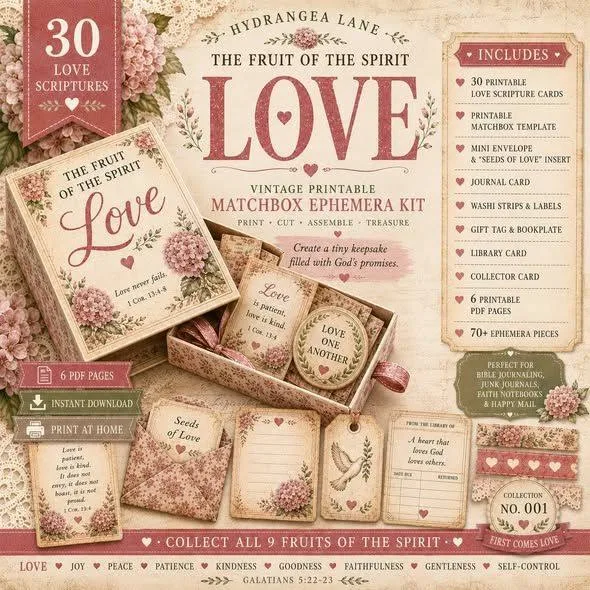
Turn matchboxes into tiny keepsakes with printable wraps and inserts.
 Preview kit
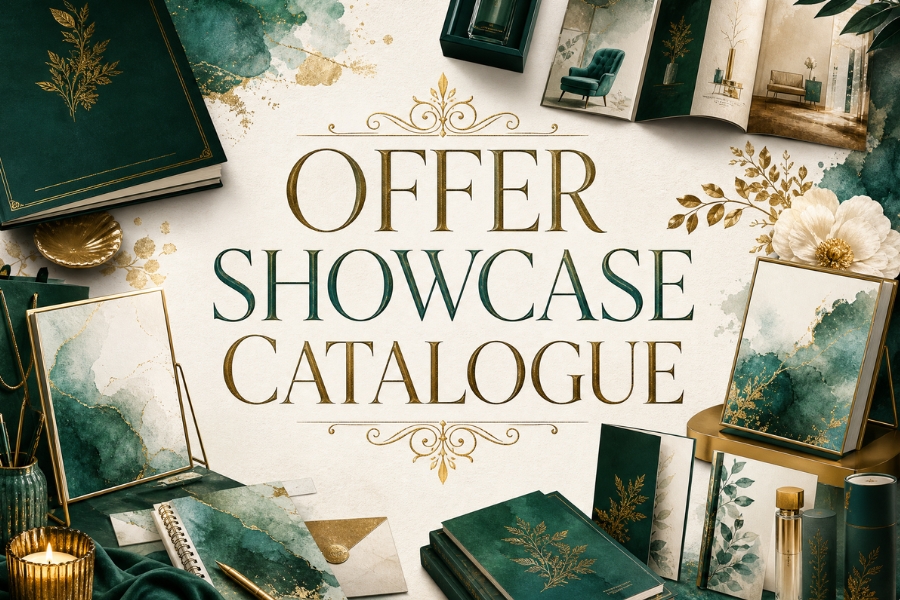
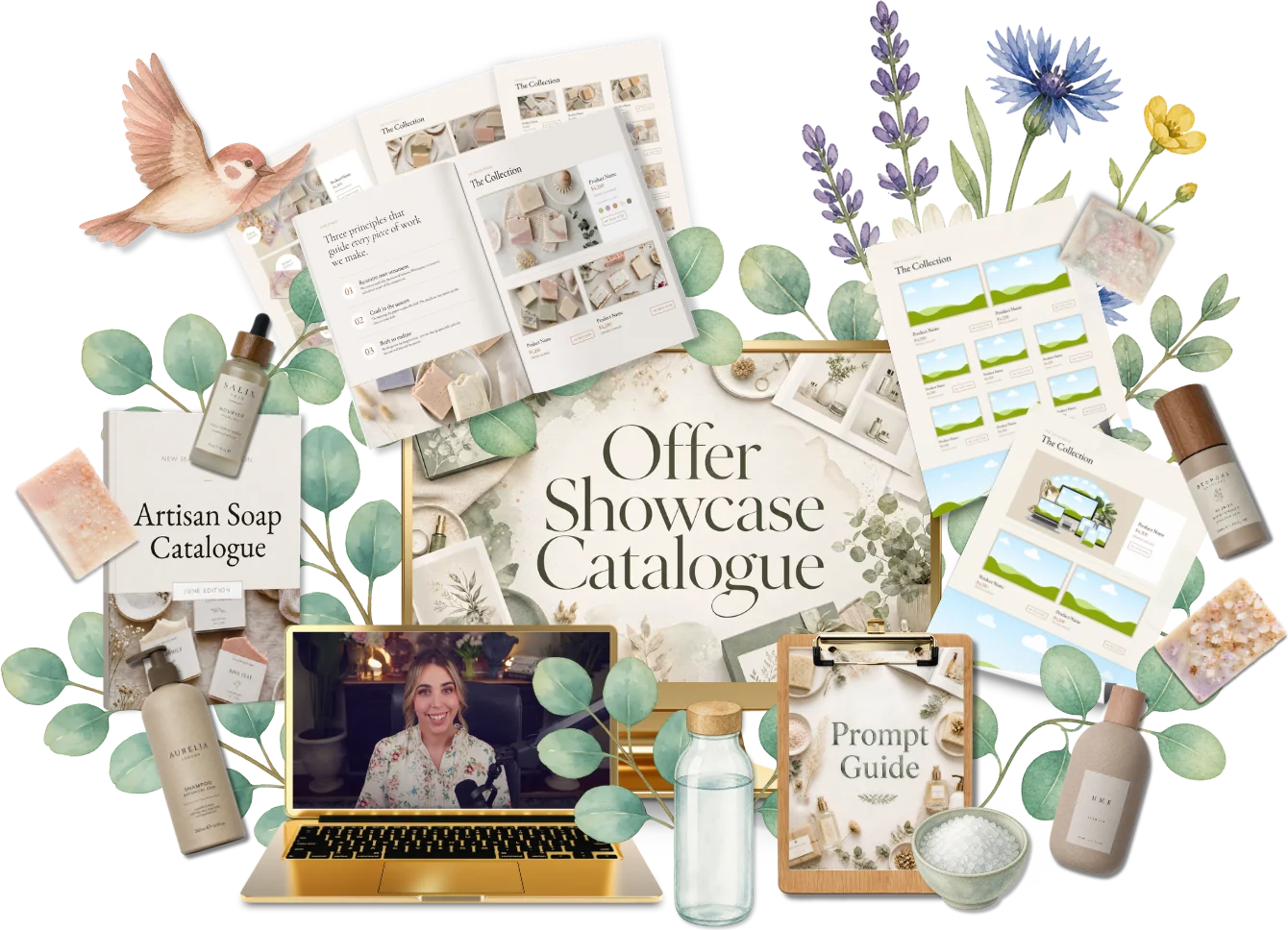
Lay out a catalogue that shows off every product and offer you sell.
 Preview kit
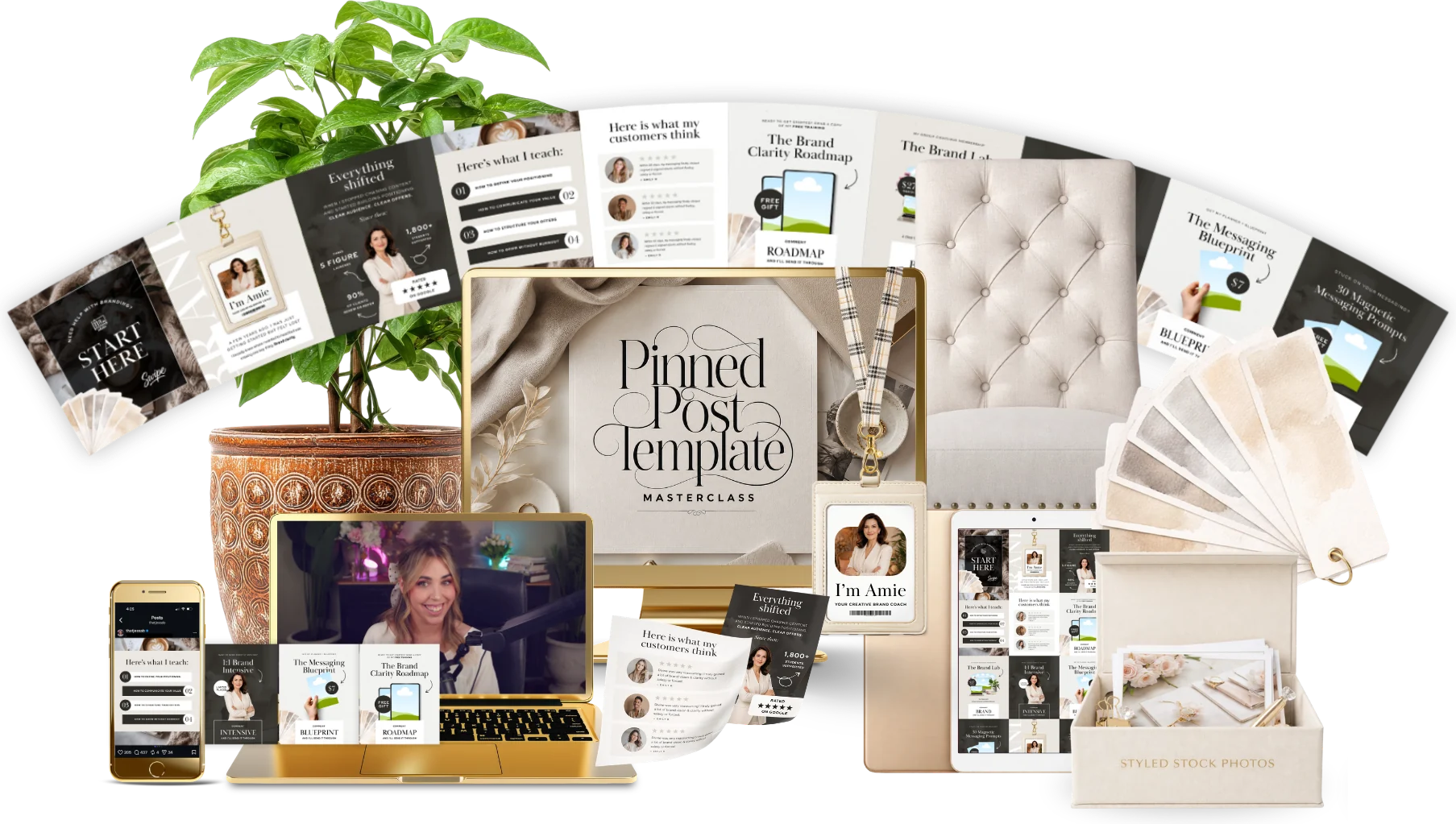
Build a pinned Instagram carousel that introduces you and your shop.
 Preview kit
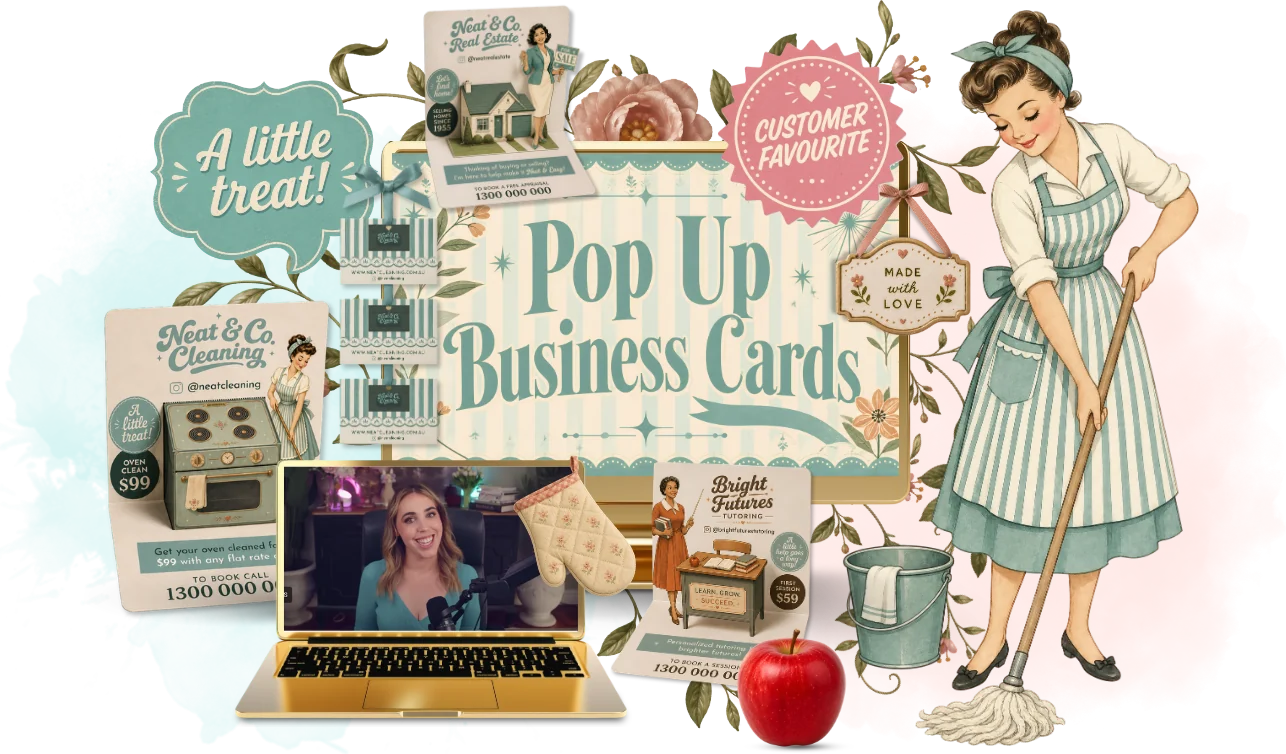
Design an executive pop-up business card that gets remembered.
 Preview kit
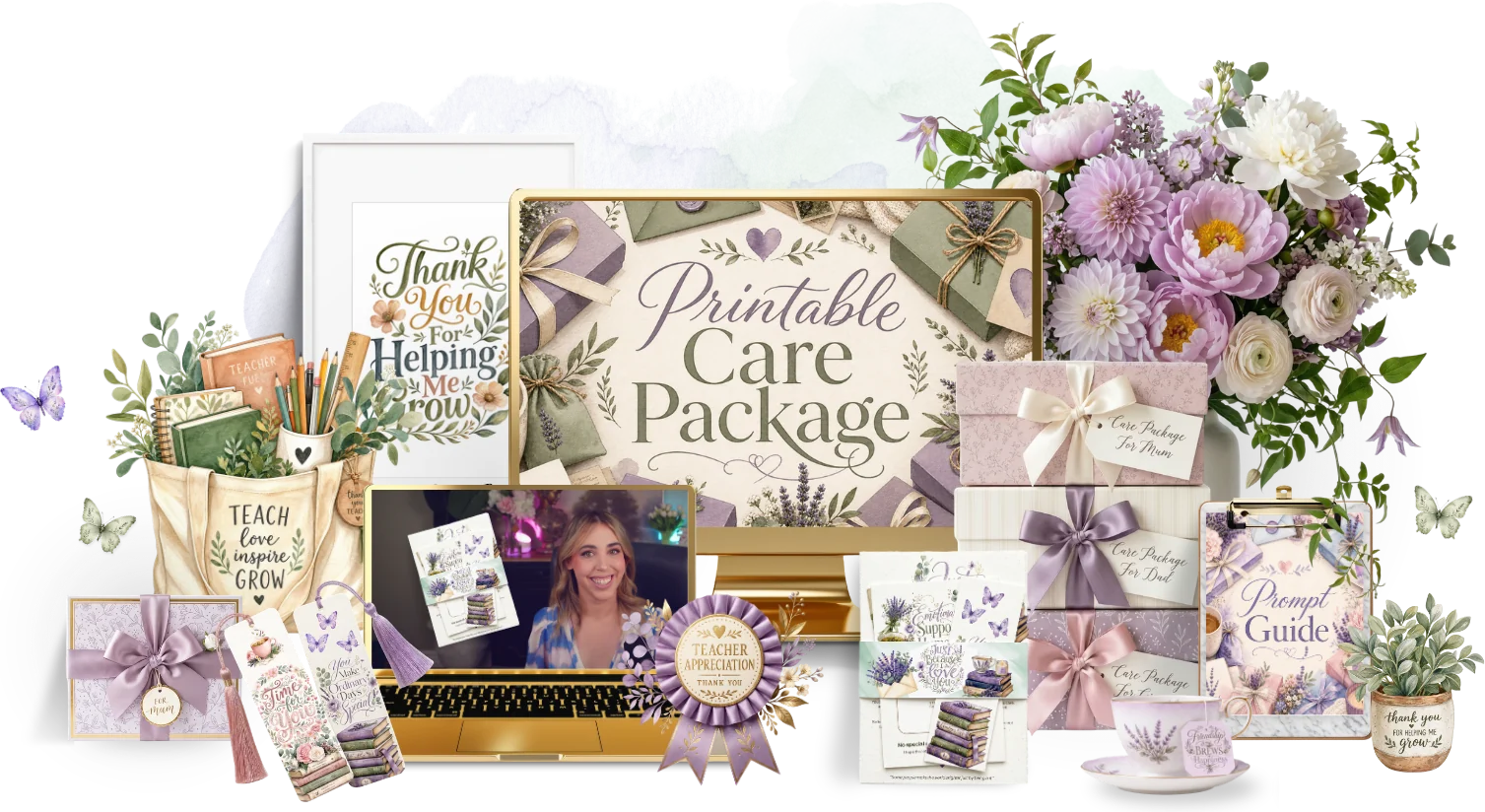
Put together a printable care package of notes, tags and little comforts.
 Preview kit
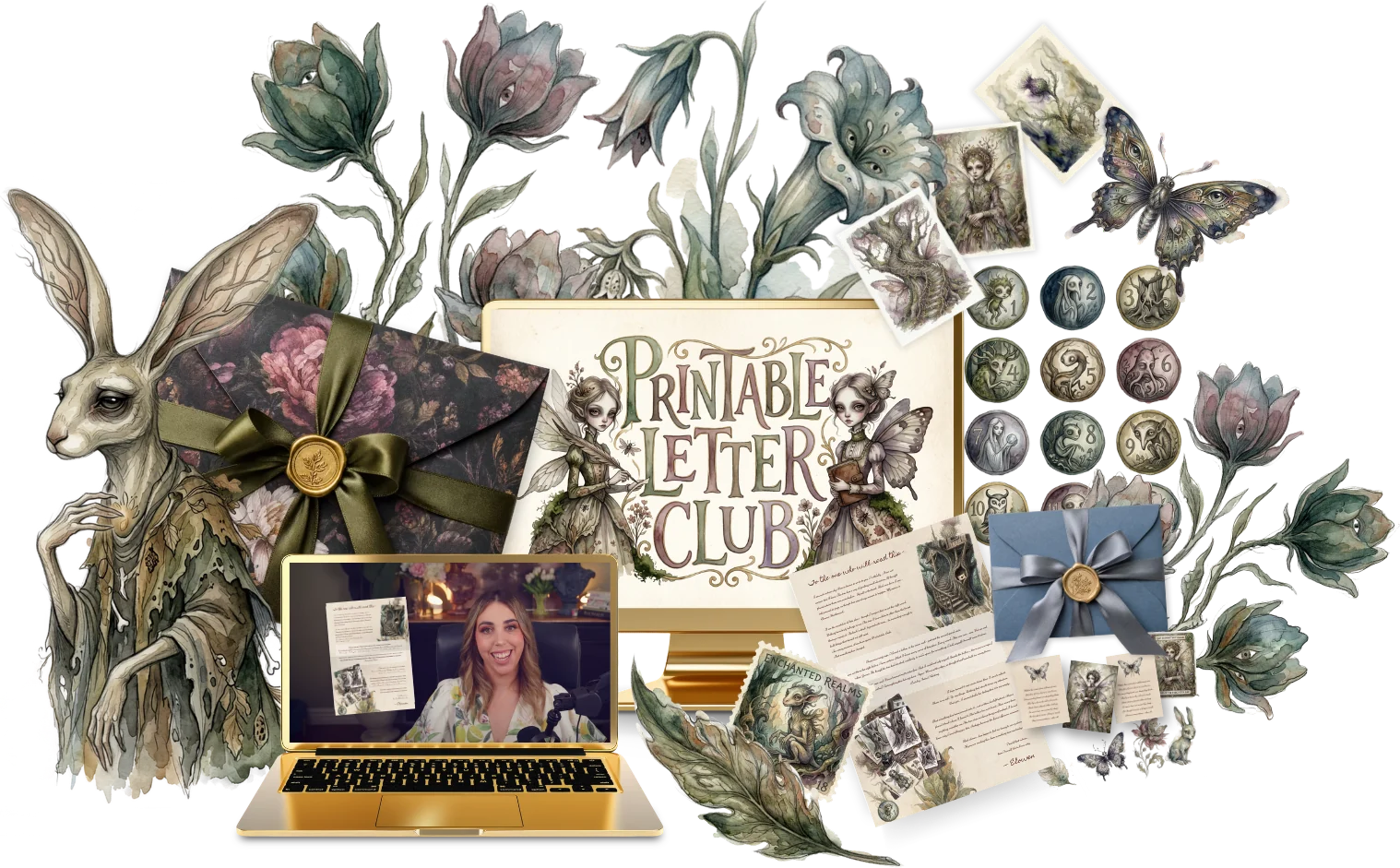
Start a printable letter club with monthly letters and printable extras.
 Preview kit
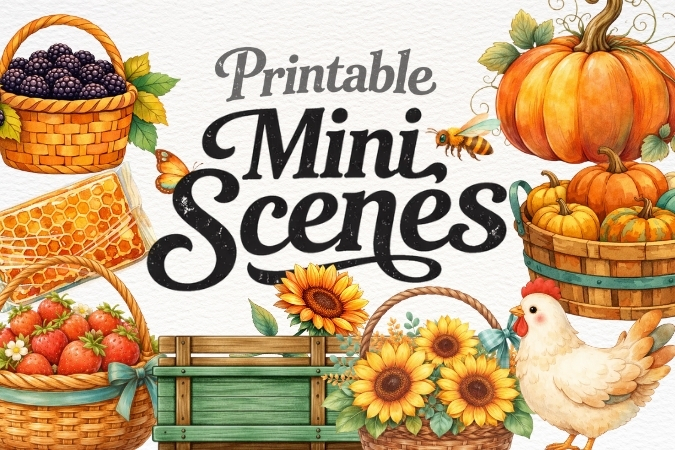
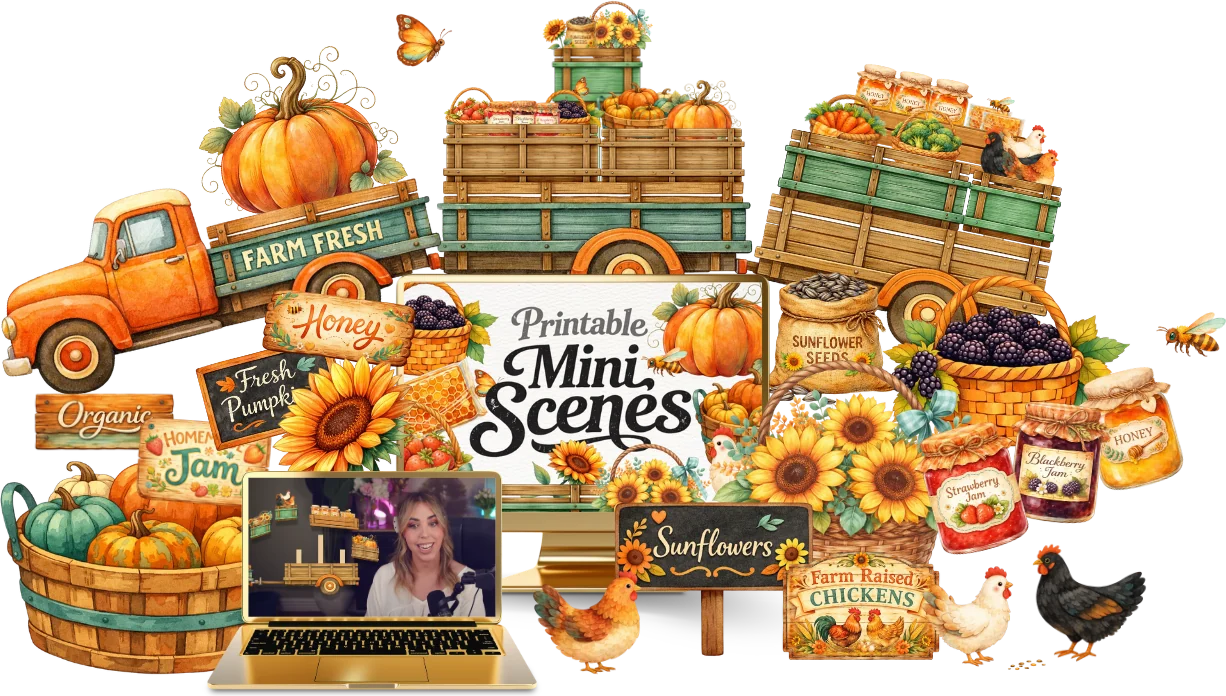
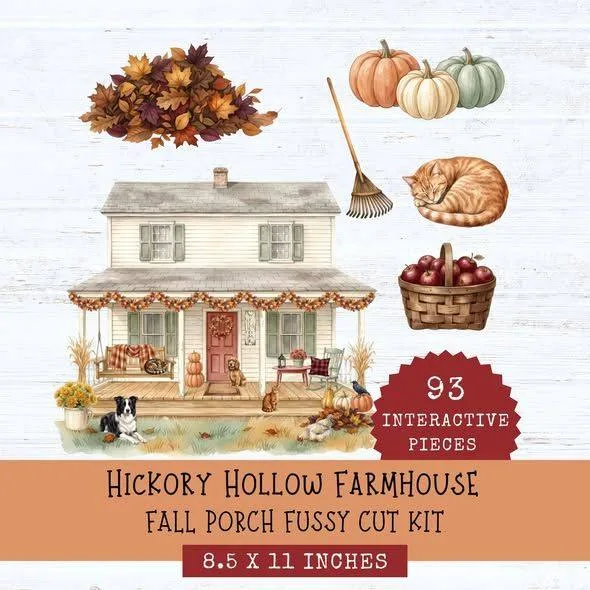
Make printable mini scenes and fussy cuts for crafters to cut and layer.
 Preview kit
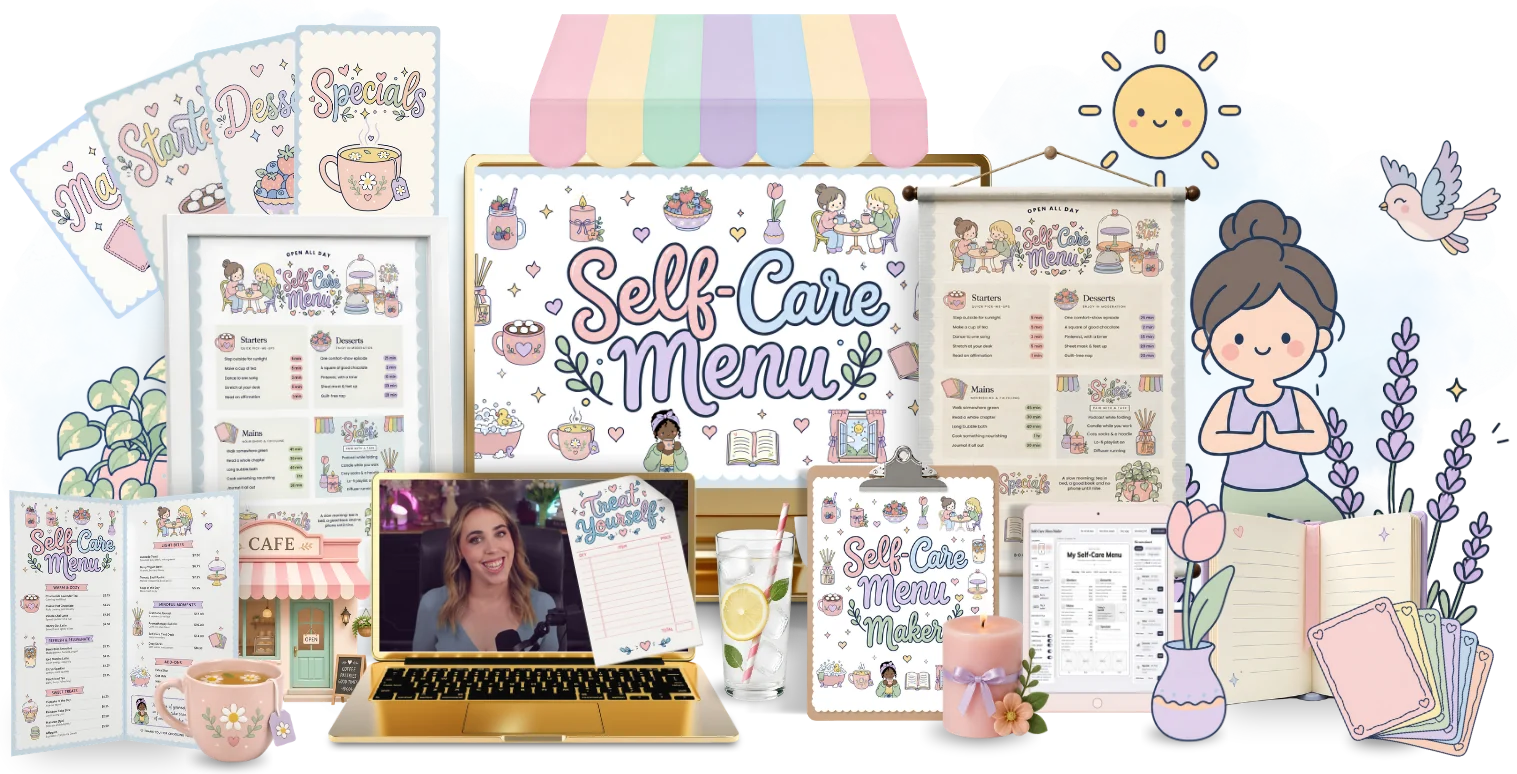
Create a café-style self-care menu people can pin up and order from.
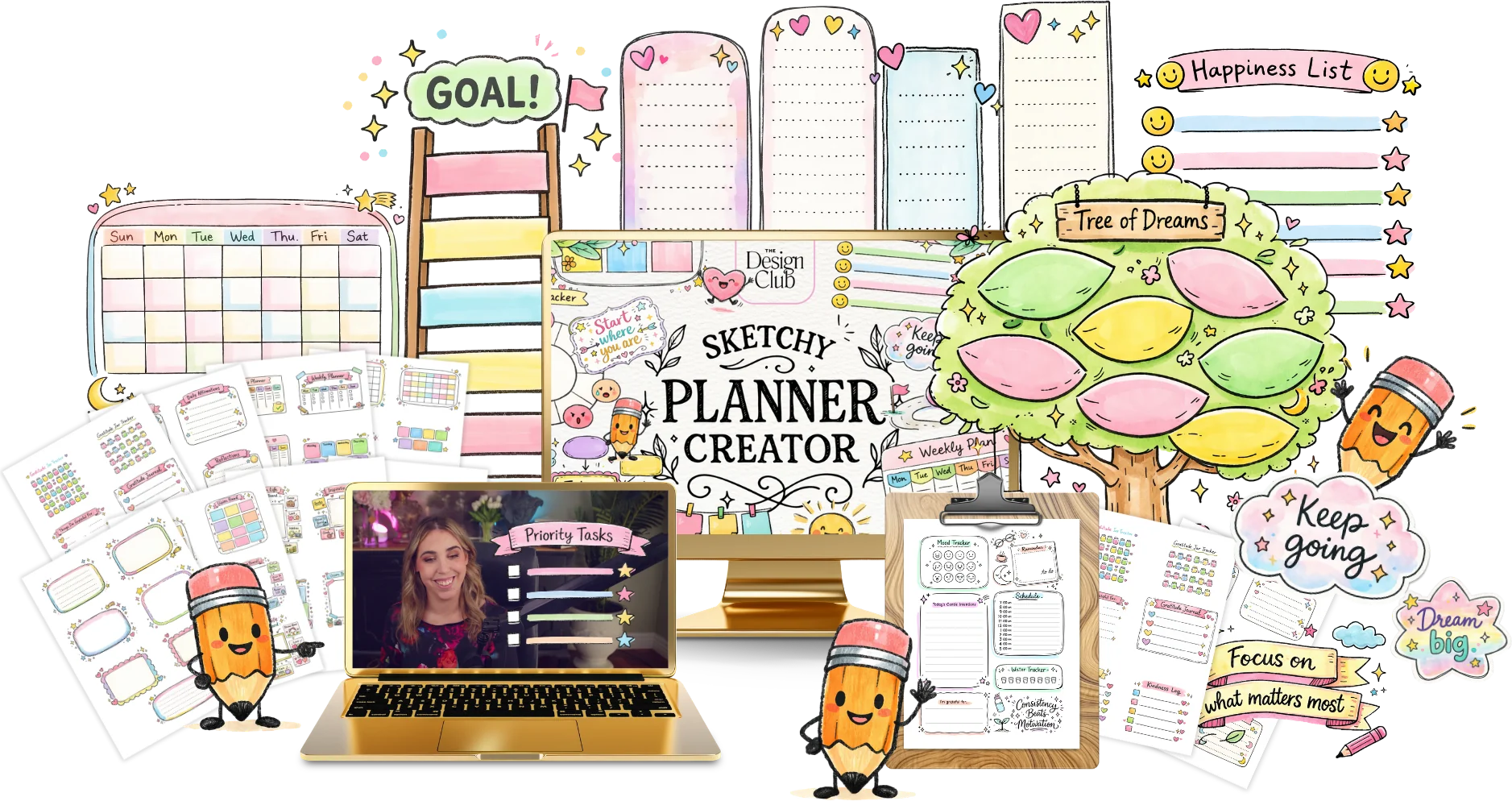 Preview kit
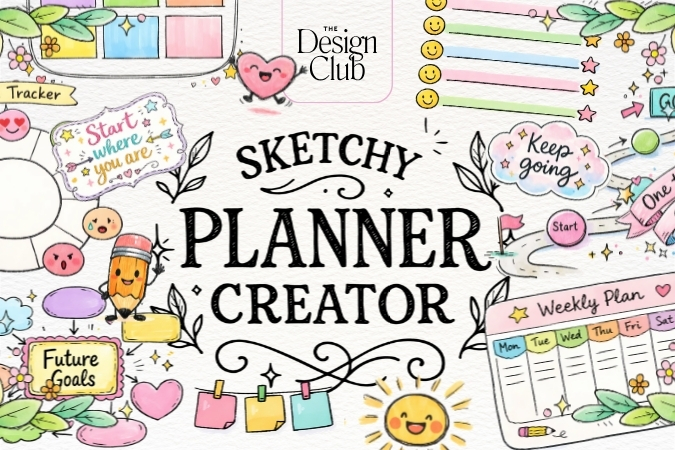
Make a hand-drawn, sketchy-style planner with doodled layouts and fonts.
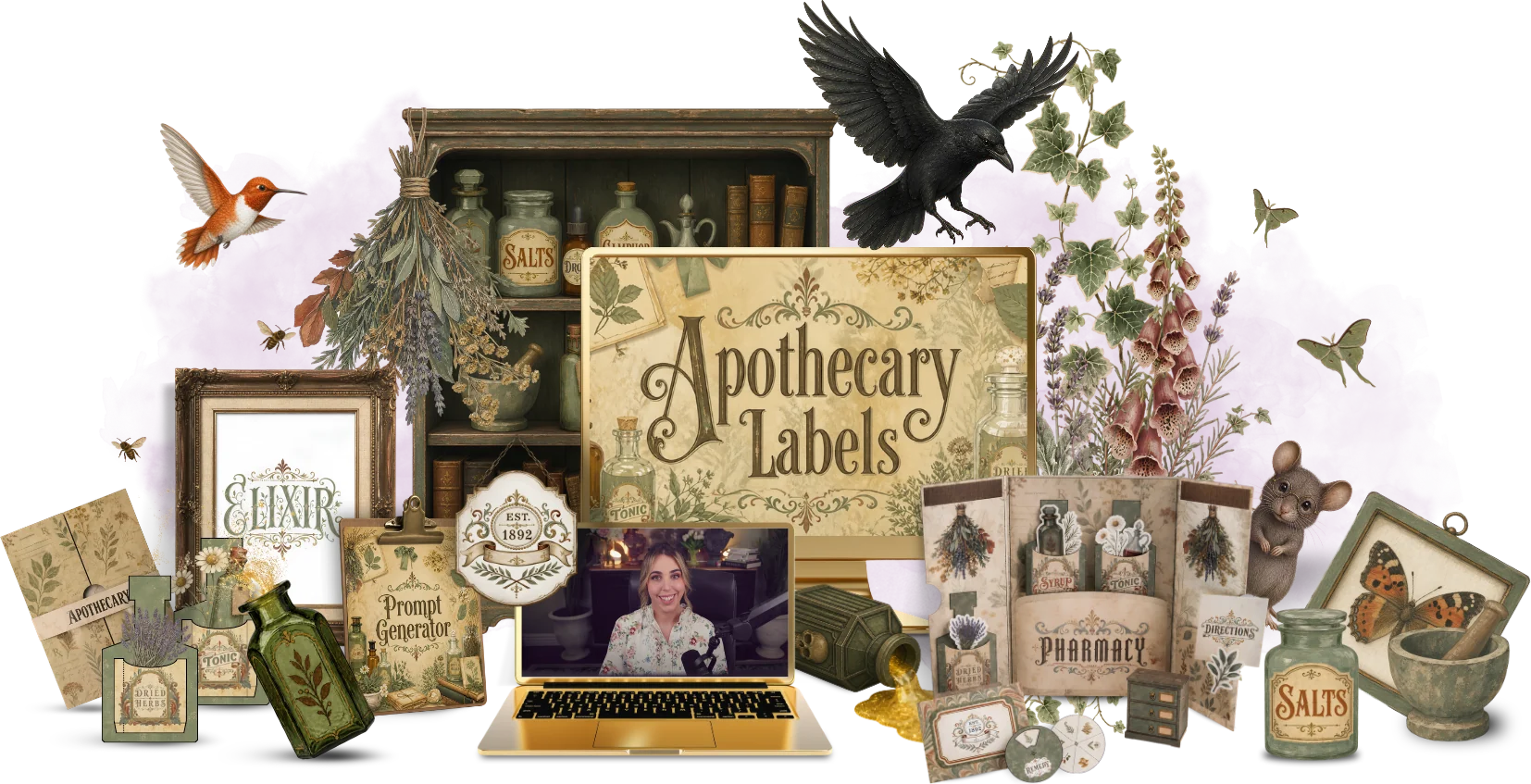 Preview kit
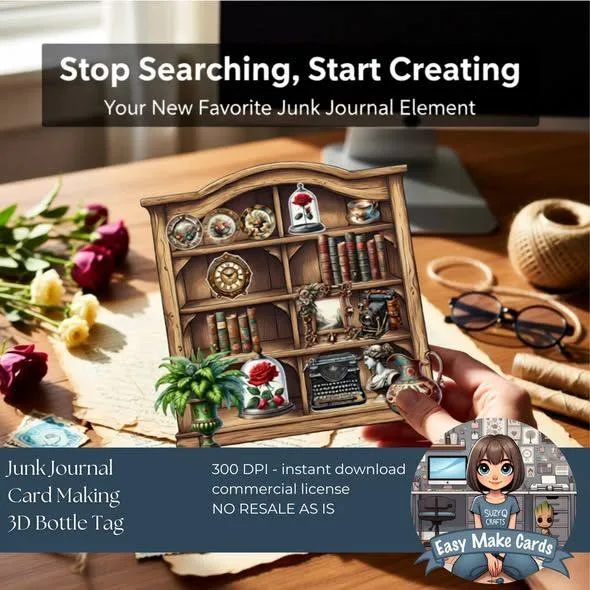
Design vintage apothecary labels for junk journals and craft projects.
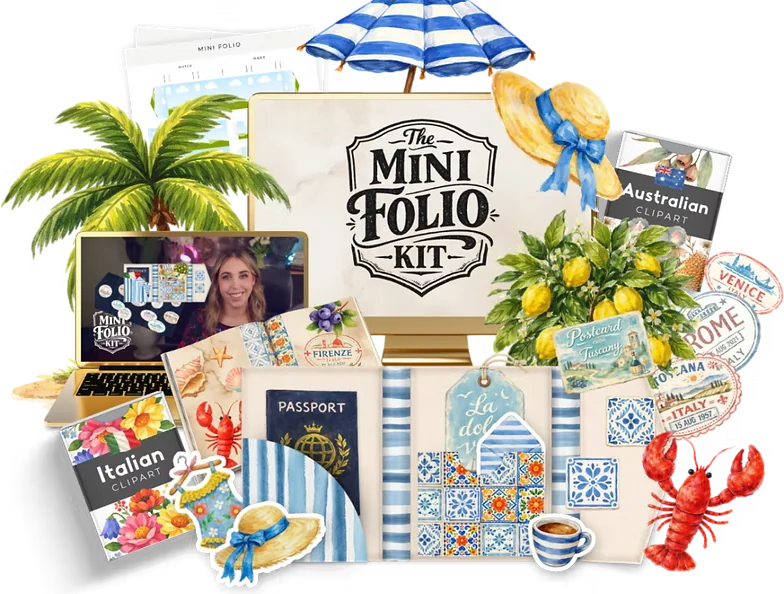 Preview kit
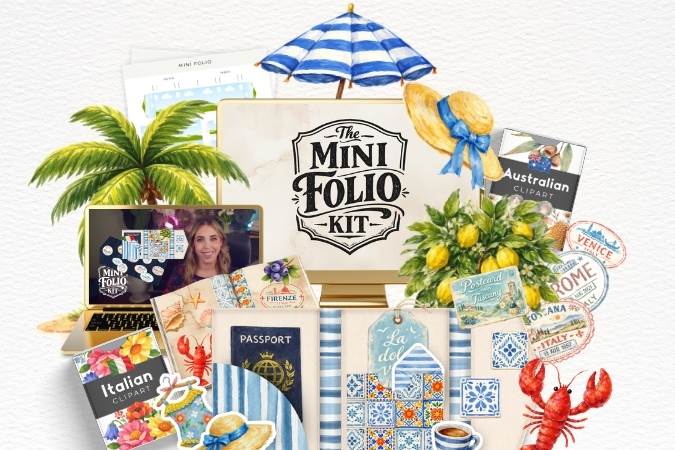
Design travel-themed mini folios with passports, tickets and travel keepsakes.
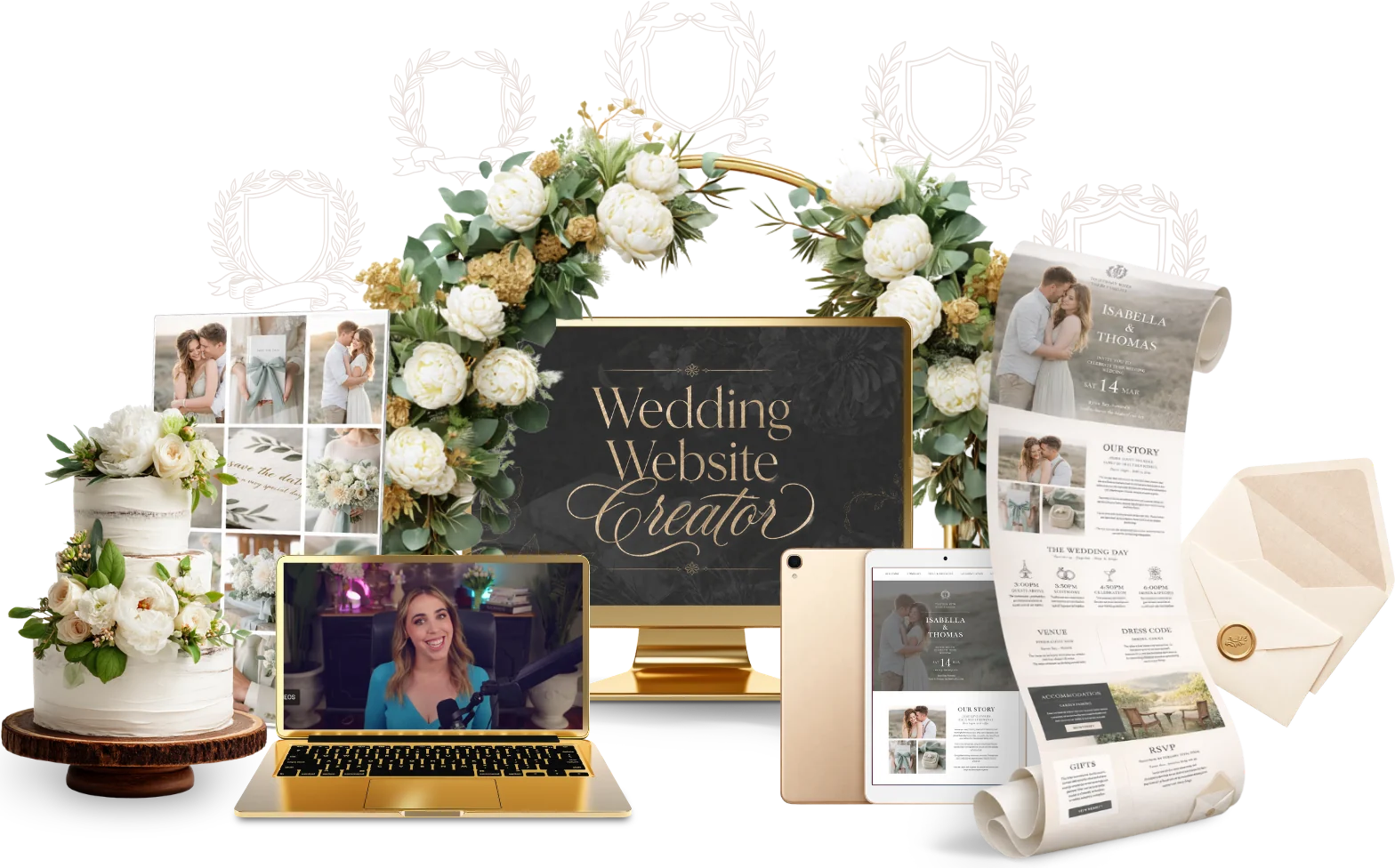
 Preview kit
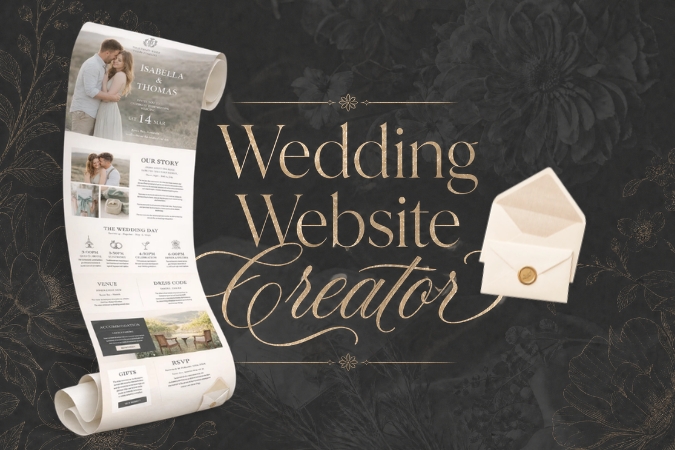
Build a pretty wedding website with an RSVP page in Canva.
A little too quiet, if you ask me
No one to tell you the spacing feels off. No one to say that font isn’t working. No one to push you past the style you always default to.
I’ve taught thousands of students, and the ones who improve fastest share their work for feedback. Inside the club you share every make with 2,700+ designers in our private Facebook group, and every month we celebrate our favourites.
Make your version of a kit, share it in the group with the month’s hashtag, and you could win a cash prize.
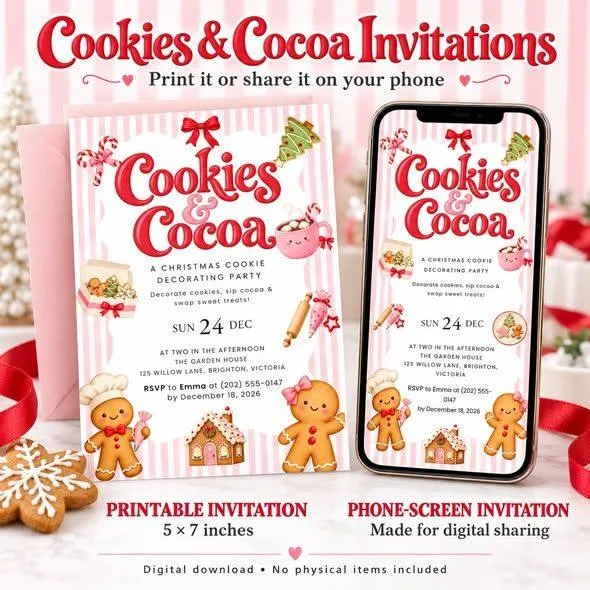
Made in the club, now selling on Etsy
 🏆 June winner

 🏆 August winner



 🏆 September winner

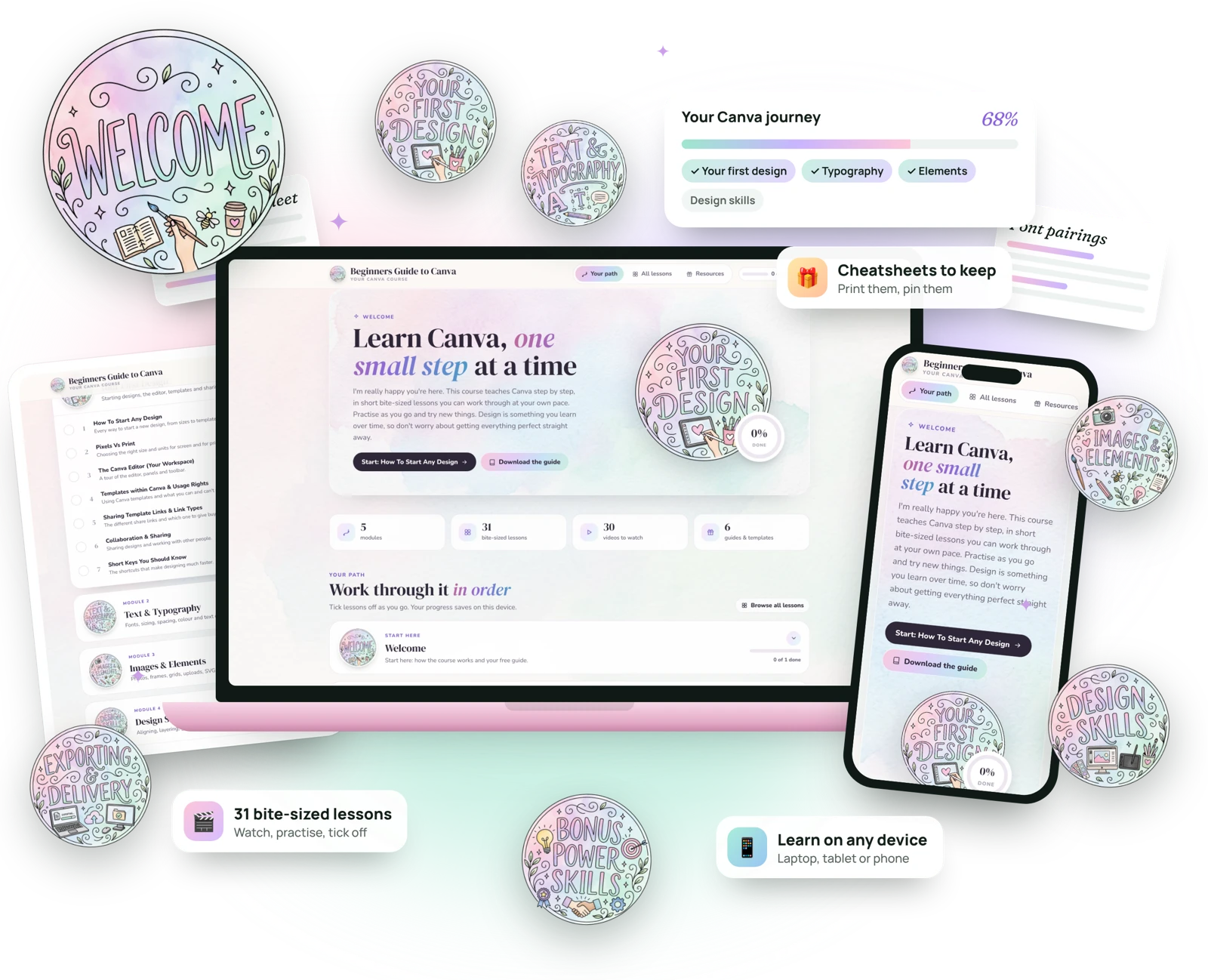

Never opened Canva? You’re in the right place. Bite-sized video lessons in their own pretty portal take you from blank page to products you can sell.
An evergrowing library, with new training every single week
Here’s a real drop: Mascot Design
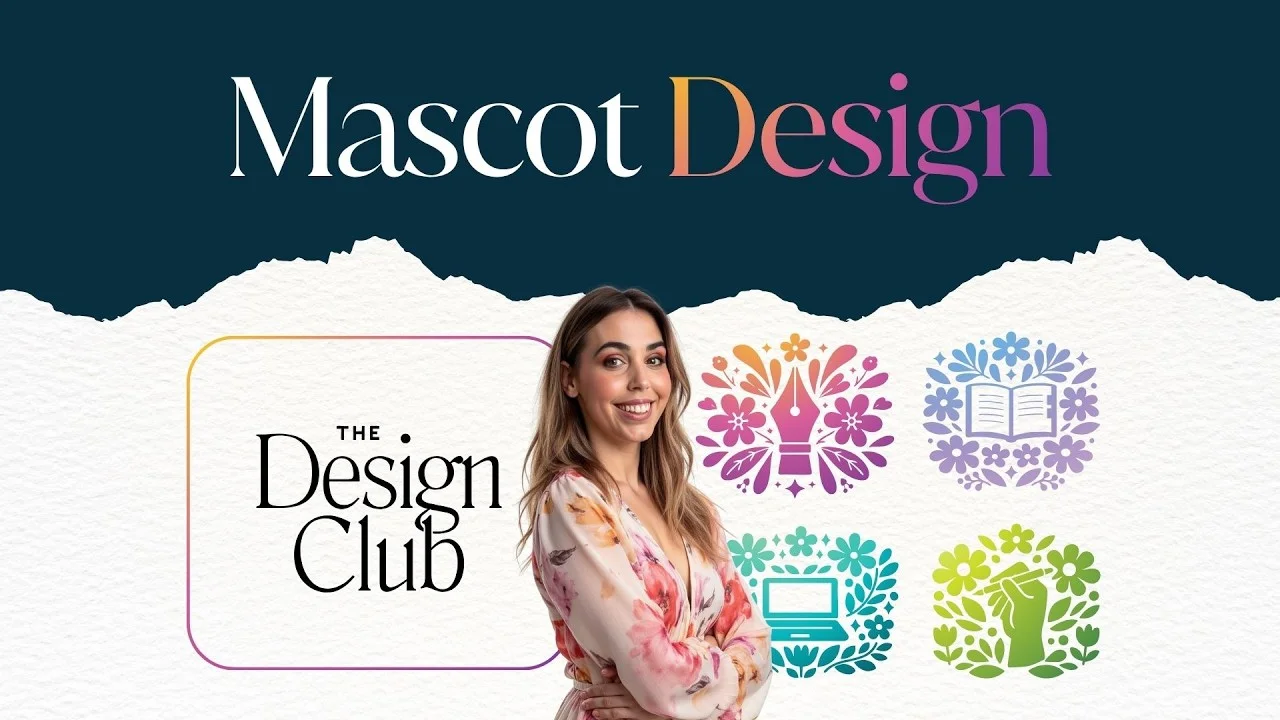 ▶Class replay
Susan Meet Coco!
Kelly Winnie the Wonder Star
Michelle My first scrappy portrait
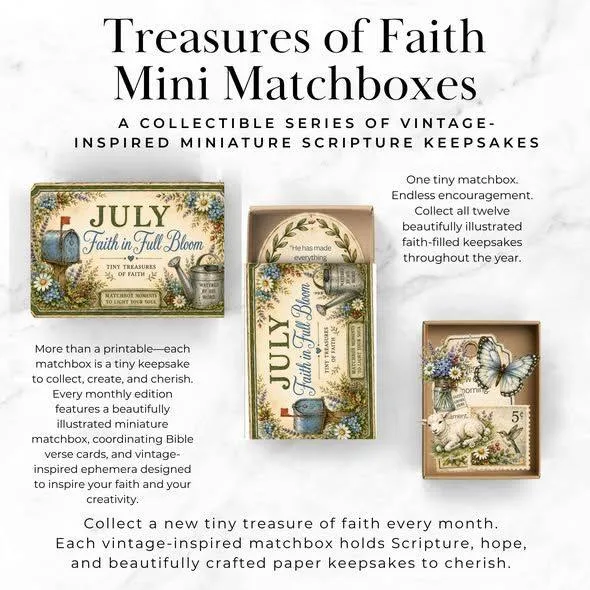
Lisa Matchbox puppet theatre
Erica My first mini scene
Kate Added to my bridal bundle
Susan Meet Coco!
Kelly Winnie the Wonder Star
Michelle My first scrappy portrait
Lisa Matchbox puppet theatre
Erica My first mini scene
Kate Added to my bridal bundle
Real words from Design Club members


A learned skill, just like a language or an instrument
Every kit quietly stretches one of the eight design principles, so with each project your eye gets a little sharper.
Fonts, pairing and type that reads beautifully.
Palettes that feel cohesive and sell the mood.

Arranging a page so it just works.

Leading the eye to what matters first.
Making the important things pop.

Designs that feel steady, not lopsided.

Tidy edges that look instantly professional.

Room to breathe, so nothing feels crowded.
Everything you need to know before you join
The Design Club is a monthly membership where I drop a brand new design tutorial every single week. Each tutorial is practical, beginner friendly and designed to help you build real design skills and confidence by designing alongside me.
You get instant access to:
It’s an evergrowing library, not a one and done situation.
It’s perfect if you want to improve your design skills, feel more confident creating your own graphics and products, and learn by doing, not just watching. You don’t need to be a designer. You just need to be willing to follow along.
Yes. As soon as you join you get access to the member portal and all existing tutorials, so you can dive straight in.
A new tutorial is released every week. It’s added to the member portal automatically and announced in the private Facebook community.
Most tutorials are created in Canva. Any other tools are clearly mentioned on the tutorial page.
Yes. You can cancel your membership at any time from your account.
Because access is delivered immediately, the membership is non-refundable. If you need help or have any questions, email hello@jessa.com.au and someone will get back to you as soon as possible.
Yes! The Design Club is included free with Passive Income Society and Bloom Academy.
Lifetime access is a one-time payment that keeps permanent access to everything inside The Design Club, including all current projects, trainings and templates, plus anything new added while the club is actively being updated. Lifetime members also get their own Lifetime portal and the Lifetime Vault of product images.
I plan to add new projects and training for at least the next year (a minimum of 56 design projects), and very likely longer. Lifetime access doesn’t mean new training will be added forever. It means everything added during the club’s active creation period stays yours, without a monthly subscription.
Yours the moment you join
That’s what consistent practice does
Better spacing.
Stronger typography.
More confidence with colour.
You’ll be surprised how much you grow in a very short time.
Instant access to the portal and every kit
Perfect if you want to step inside, explore the space and start building your skills straight away. Cancel anytime, no lock-in.
No recurring payments and no future price increases. If you know you’re committed to improving your design long term, this is the move.
Every week I design a real, sellable product in Canva while you follow along. Then you get the templates, clipart and prompts to make it your own and sell it.
A brand new design project every week, for $7 a month
As a mum of four, time is sacred. Design does the selling for me, and every one of those products started with the exact skills you’ll learn inside.
Every product I sell starts with a design that makes people stop scrolling.
Mockups and listing photos that make a $5 file look worth $50.
Including this one. Layout and hierarchy do the convincing.
Swipeable posts that teach, sell and get saved.
Scroll-stopping creative that keeps my ad costs down.
Pretty lead magnets that grow my email list every day.
Every kit is a new flavour of design. Stick to your niche or wander into a new one. Either way, you’re building range with every bite.
A new training + resource pack, every. single. week. Plus every previous lesson.
The $7 design club for Canva lovers who are ready to grow
Get instant access to an evergrowing library of tutorials, project kits and Canva templates, with a brand new kit added every single week.
Tap a niche to see what’s inside
Preview kitPreview kitDesign a cute mascot and keep the character consistent across poses.
Preview kitCreate a spooky movie night stationery set for October get-togethers.
Preview kitDesign a whimsical planner with medieval marginalia, then make your own with the prompt generator.
Preview kitDesign a fold-out accordion activity booklet kids can colour, solve and carry.
Preview kitPlan and build a printable kids activity book, page by page, with the Activity Book Planner.
Preview kitMake a printable activity suitcase that folds up and holds mini activity cards.
Preview kitCreate aesthetic planner sticker sheets ready for print or digital planners.
Preview kitDesign a set of baby shower games guests can print and play.
Preview kitCreate collectable blind box pets with AI prompts, then turn them into printables.
Preview kitMake a book club kit with reading trackers, bookmarks and discussion cards.
Preview kitMake a 'born in this year' trivia game for birthday parties.
Preview kitLearn the full clipart process, from first prompt to a sellable pack.
Preview kitTurn quotes and line art into a colouring journal ready to sell.
Preview kitDesign a polished corporate event invitation with matching details.
Preview kitDesign dreamy desktop wallpapers that organise files into neat zones.
Preview kitDesign scroll-stopping Pinterest pins that send buyers to your products.
Preview kitCreate a matching Etsy banner, shop icon and graphics set.
Preview kitDraw an illustrated fantasy map with castles, compass roses and named lands.
Preview kitDesign storytime finger puppets kids can cut, fold and play with.
Preview kitBuild a flat paper dollhouse with patterned rooms, furniture and decor.
Preview kitMake a matching food party kit for a bridal shower, from treat boxes to labels.
Preview kitDesign a gatefold wedding invitation that opens like a little door.
Preview kitBuild a family history folio with photo pockets, tags and a mini book.
Preview kitTurn a static invitation into an animated invite people can share.
Preview kitMake a picture-based routine chart that helps kids through their day.
Preview kitTell a couple's story as an illustrated timeline for weddings and anniversaries.
Preview kitDesign a baby milestone board to celebrate every first.
Preview kitTurn matchboxes into tiny keepsakes with printable wraps and inserts.
Preview kitLay out a catalogue that shows off every product and offer you sell.
Preview kitBuild a pinned Instagram carousel that introduces you and your shop.
Preview kitDesign an executive pop-up business card that gets remembered.
Preview kitPut together a printable care package of notes, tags and little comforts.
Preview kitStart a printable letter club with monthly letters and printable extras.
Preview kitMake printable mini scenes and fussy cuts for crafters to cut and layer.
Preview kitCreate a café-style self-care menu people can pin up and order from.
Preview kitMake a hand-drawn, sketchy-style planner with doodled layouts and fonts.
Preview kitDesign vintage apothecary labels for junk journals and craft projects.
Preview kitDesign travel-themed mini folios with passports, tickets and travel keepsakes.
Preview kitBuild a pretty wedding website with an RSVP page in Canva.
A little too quiet, if you ask me
No one to tell you the spacing feels off. No one to say that font isn’t working. No one to push you past the style you always default to.
I’ve taught thousands of students, and the ones who improve fastest share their work for feedback. Inside the club you share every make with 2,700+ designers in our private Facebook group, and every month we celebrate our favourites.
Make your version of a kit, share it in the group with the month’s hashtag, and you could win a cash prize.
Made in the club, now selling on Etsy
🏆 June winner🏆 August winner🏆 September winnerNever opened Canva? You’re in the right place. Bite-sized video lessons in their own pretty portal take you from blank page to products you can sell.
An evergrowing library, with new training every single week
Here’s a real drop: Mascot Design
▶Class replay
Susan Meet Coco!
Kelly Winnie the Wonder Star
Michelle My first scrappy portrait
Lisa Matchbox puppet theatre
Erica My first mini scene
Kate Added to my bridal bundle
Susan Meet Coco!
Kelly Winnie the Wonder Star
Michelle My first scrappy portrait
Lisa Matchbox puppet theatre
Erica My first mini scene
Kate Added to my bridal bundle
A learned skill, just like a language or an instrument
Every kit quietly stretches one of the eight design principles, so with each project your eye gets a little sharper.
Fonts, pairing and type that reads beautifully.
Palettes that feel cohesive and sell the mood.
Arranging a page so it just works.
Leading the eye to what matters first.
Making the important things pop.
Designs that feel steady, not lopsided.
Tidy edges that look instantly professional.
Room to breathe, so nothing feels crowded.
Everything you need to know before you join
The Design Club is a monthly membership where I drop a brand new design tutorial every single week. Each tutorial is practical, beginner friendly and designed to help you build real design skills and confidence by designing alongside me.
You get instant access to:
It’s an evergrowing library, not a one and done situation.
It’s perfect if you want to improve your design skills, feel more confident creating your own graphics and products, and learn by doing, not just watching. You don’t need to be a designer. You just need to be willing to follow along.
Yes. As soon as you join you get access to the member portal and all existing tutorials, so you can dive straight in.
A new tutorial is released every week. It’s added to the member portal automatically and announced in the private Facebook community.
Most tutorials are created in Canva. Any other tools are clearly mentioned on the tutorial page.
Yes. You can cancel your membership at any time from your account.
Because access is delivered immediately, the membership is non-refundable. If you need help or have any questions, email hello@jessa.com.au and someone will get back to you as soon as possible.
Yes! The Design Club is included free with Passive Income Society and Bloom Academy.
Lifetime access is a one-time payment that keeps permanent access to everything inside The Design Club, including all current projects, trainings and templates, plus anything new added while the club is actively being updated. Lifetime members also get their own Lifetime portal and the Lifetime Vault of product images.
I plan to add new projects and training for at least the next year (a minimum of 56 design projects), and very likely longer. Lifetime access doesn’t mean new training will be added forever. It means everything added during the club’s active creation period stays yours, without a monthly subscription.
Yours the moment you join
That’s what consistent practice does
Better spacing.
Stronger typography.
More confidence with colour.
You’ll be surprised how much you grow in a very short time.